27
CHAPTER 4. TV Functions
4-1. Watching TV
1) Preparation
Perform the following steps before you press POWER button on the remote control.
① Check whether the TV antenna cable is properly connected.
② After checking the power voltage (110V or 220V), connect power cord to the adapter.
2) Turning on the TV
①
Press POWER on the TV or on the remote control button.
② Power indicator will be green color after a few seconds.
③ Each pressing the button turns on or off the TV.
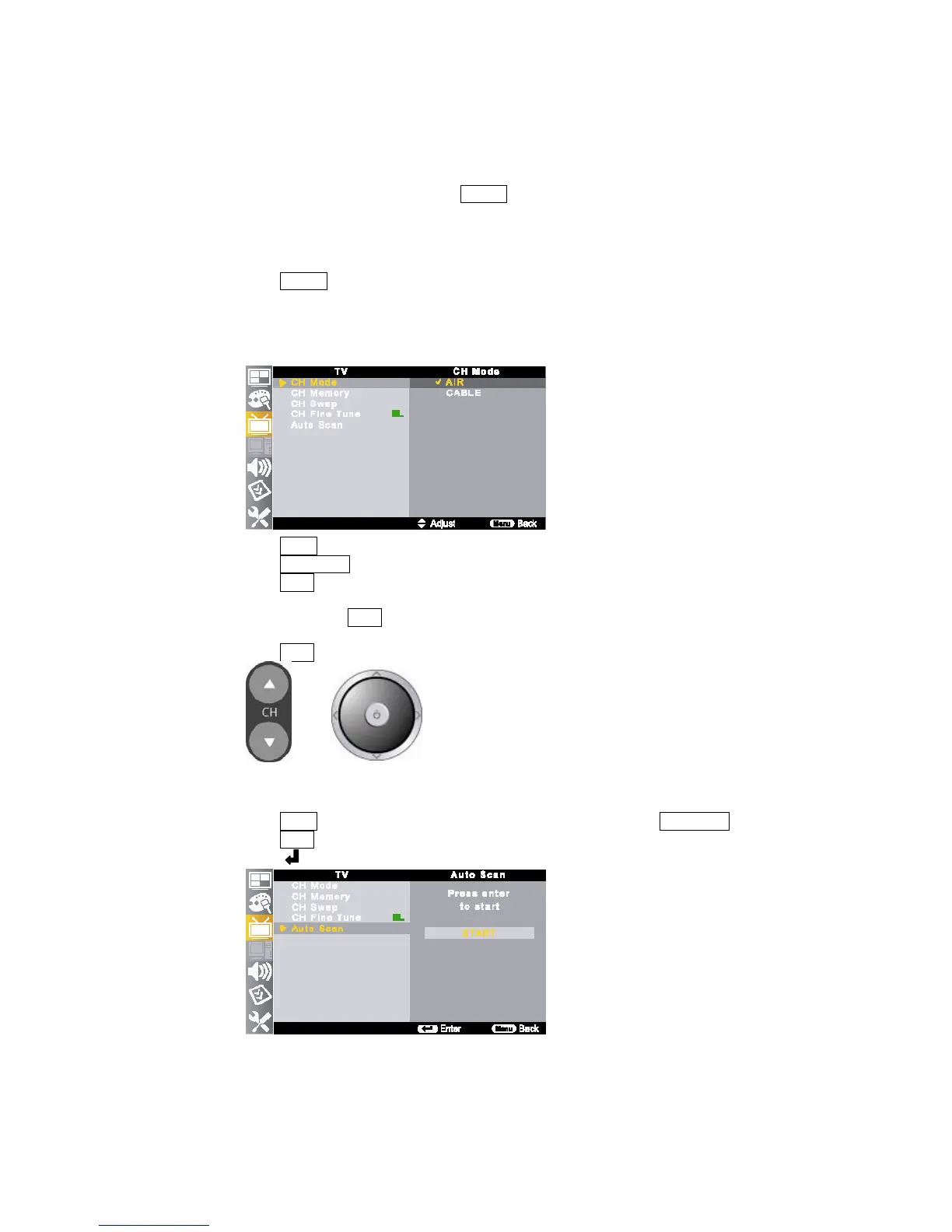
3) Antenna Setting (Air / Cable)
Make sure what kind of connection is made with you TV when selecting <AIR> or <CABLE>
①
Press MENU button on the remote control and move to <TV - CH Mode>.
②
Press ▲/▼//◀▶ buttons to move <CH Mode> item.
③
Press ▲/▼ buttons to select <AIR> or <CABLE>
4) Changing Channel
①
Press CH buttons (▲/▼) on the remote control to change channels.
② Press numeric buttons (0~9) to go to a desired channel directly.
③
Press ▲/▼ buttons on the TV to change channels.
5) Channel Scan
Auto Scan makes the TV look for all channels viewable in the set area.
Depending on the reception condition, it may take more than 10 minutes to complete memorizing channels.
①
Press MENU button on the remote control and move to TV menu by pressing ▲/▼//◀▶ buttons.
②
Press /◀▶ buttons to move <Auto Scan-START>.
③
Press button to start channel searching.



 To Next Page