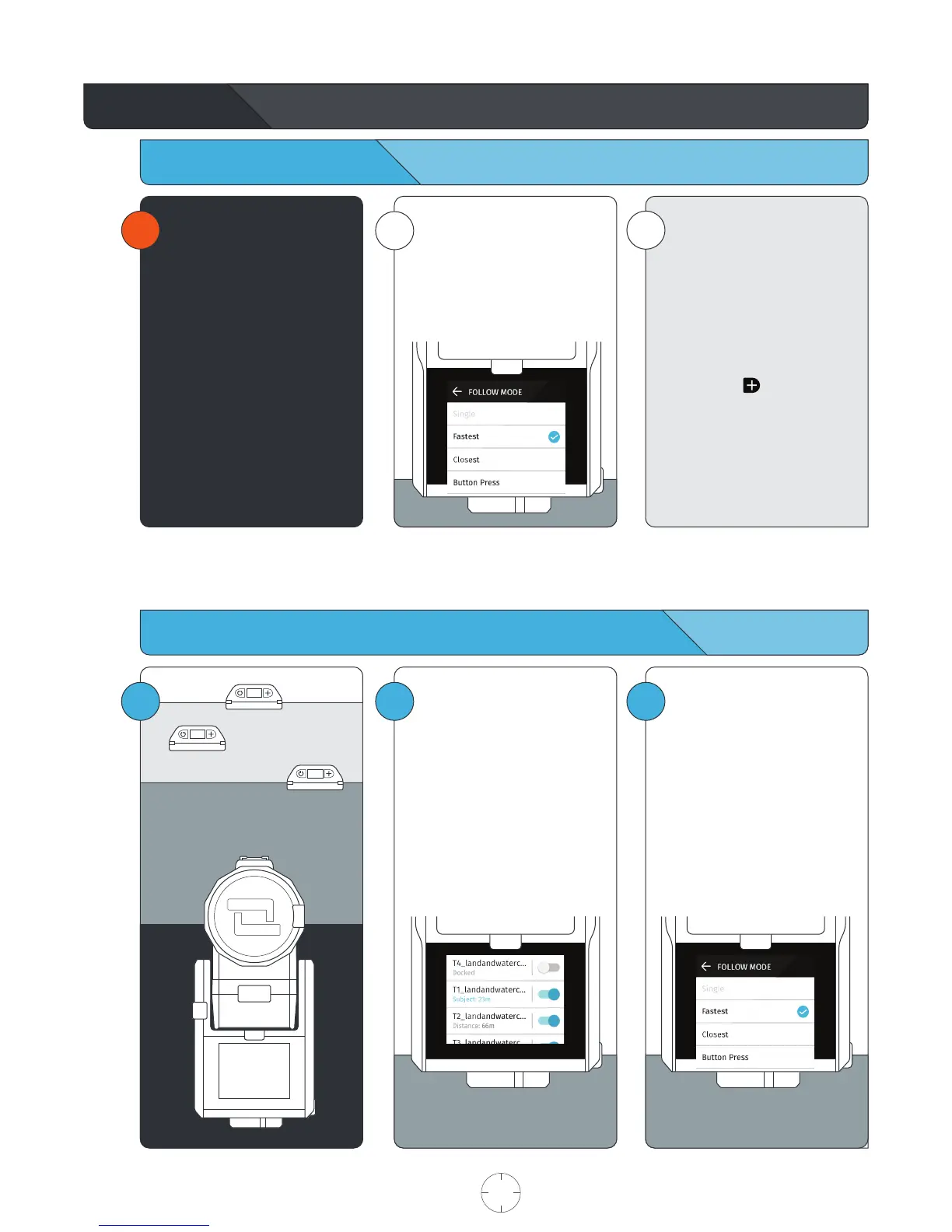
Follow Mode Settings
Filming Scenarios: Multiple Tags from a single Base
i
!
Closest
The Base will track the closest
Tag.
Fastest
The Base will track the fastest
moving Tag.
Button Press
Tapping the button on the
Tag will trigger all Bases on the
Button Press setting to begin
tracking that Tag. The Base will
continue to track this Tag until
another Tag performs the button
press.
i
On each Base, choose between
three (3) settings that instructs
your Base which Tag to follow.
Each Base may be configured
differently.
Multi-Mode
REQUIREMENTS
• At least two (2) Tags and/or
Bases.
• Purchase additional products
at soloshot.com.
3
21
Setup and calibrate your Base
with a single Tag.
See page 7, Begin Tracking.
Enter the TAG MANAGER.
Toggle tracking on for the Tags
that you would like to track.
The Tags that you’d like to track
in the session must be saved to
the Base.
Select FOLLOW MODE.
Exit the TAG MANAGER by
pressing the back arrow.
USER MANUAL 17 SOLOSHOT.COM



 To Next Page