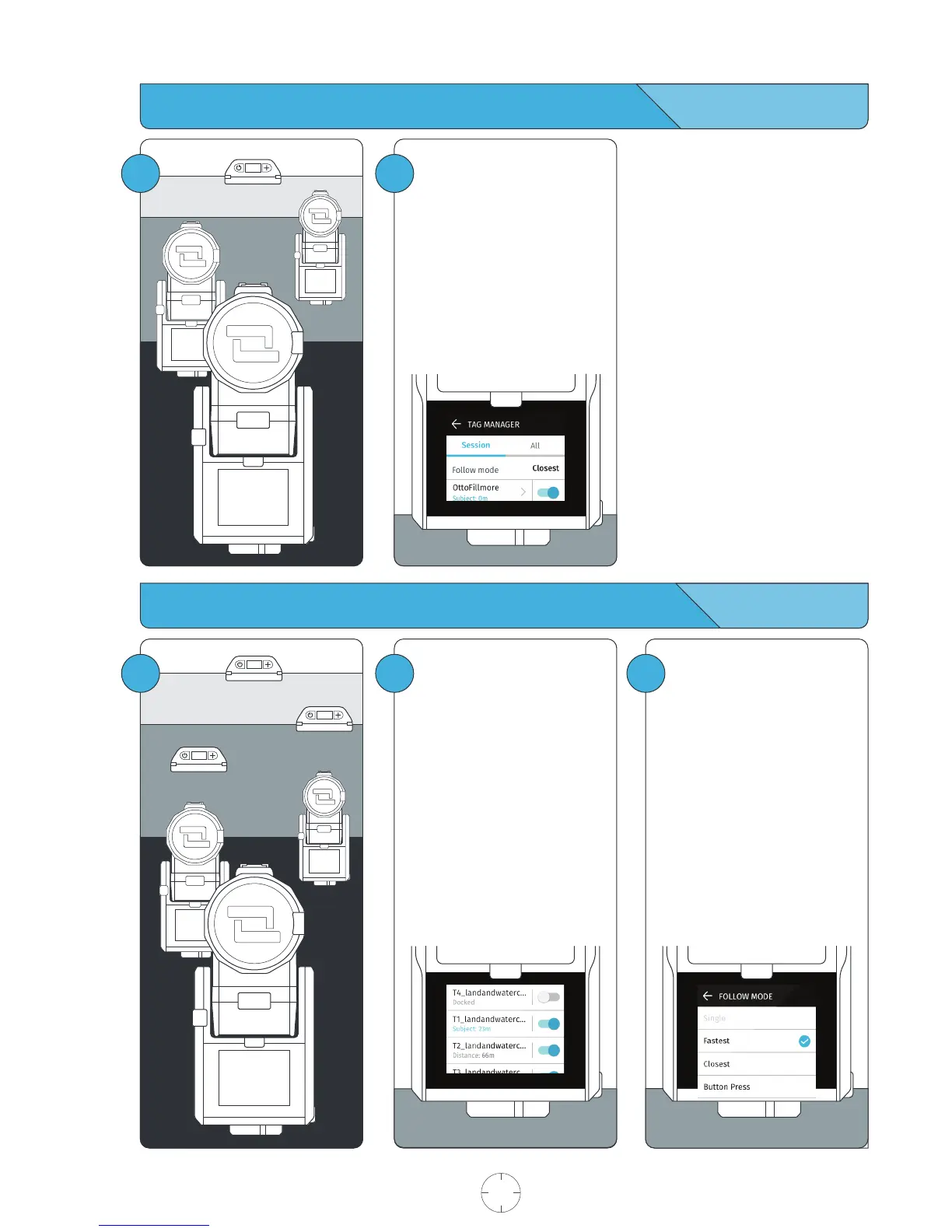
Filming Scenarios: Single Tag from multiple Base
Filming Scenarios: Multiple Tags from multiple Bases
2
Setup and calibrate each Base
with a single Tag.
See page 7, Begin Tracking.
Pair the Tag to each Base being
used.
Follow Mode does not apply here
as there is only one Tag in the
system.
3
2
Setup and calibrate your Base
with a single Tag.
See page 7, Begin Tracking.
On all Bases being used:
Enter the TAG MANAGER.
Toggle tracking on for the Tags
that you would like to track.
The Tags that you’d like to track
in the session must be saved to
the Base.
Select Follow Mode.
Exit the TAG MANAGER by
pressing the BACK ARROW.
USER MANUAL 18 SOLOSHOT.COM
1
1



 To Next Page