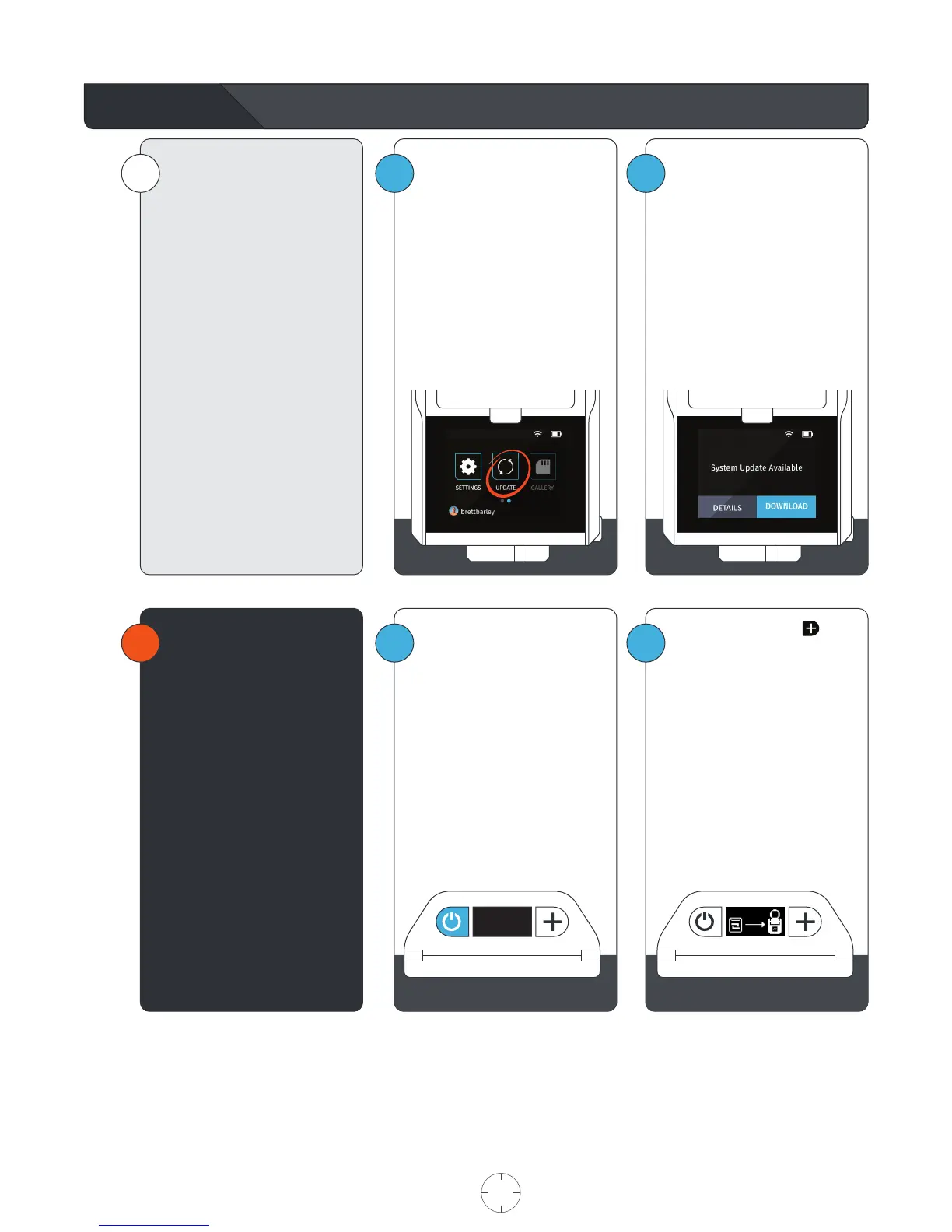
Update App
2
1
i
SOLOSHOT3 and its components
continually improve over time
through software updates.
Updates contain performance
improvements, new features, and
bug fixes just like software
updates on your smartphone or
computer.
If an update is available, you can
view the changelog and/or begin
the update by tapping “Update.”
Follow the on-screen instructions
to update the Base, Tag, and
Camera.
If no updates are available, then
tap DONE to return to the home
screen.
In the home screen, select the
UPDATE APP.
The system will automatically
check for available update.
2
1
!
The Tag must be placed in
UPDATE MODE before updating
the software.
While holding down the
button, press the power button.
The Tag will turn on and the
OLED will display a graphic
indicating that it needs to be
docked to the Base.
Dock the Tag into the accessory
port on the front of the Base.
Follow the onscreen instructions
and continue with the update
process.
Power off the Tag by holding
down the Power button for 2
seconds, until the screen turns
off.
USER MANUAL 20 SOLOSHOT.COM



 To Next Page