48 UM0027_ SOL APOLLO Series 7.4-22K_EN_V02_0523
6.2 Electrical checks
Carry out the main electrical tests as follows:
① Close the circuit breaker or isolating device that supplies power to the EV
charger.
② The EV charger will carry out a series of self-tests (duration of approx. 10
seconds).
③ The LEDs will illuminate ice blue after the self-tests, if there is an error, the
LED will illuminate red.
6.3 Establish a connection to the Ai-charging app
Requirement:
A mobile device with the Ai-charging app.
① Download the Ai-charging app from the Google Play Store or Apple Store.
② Start the Ai-charging app.
③ Follow the instructions in the Ai-charging app user manual for set-up and
operation.
Remark: the Ai-charging app can establish a direct connection via BLE, WIFI,
4G or Ethernet, depending on EV chargers’ hardware. For detailed informa-
tion, please refer to the Ai-charging app user manual.
6.4 Activate the RFID card
Requirement:
The EV charger should be powered on, and the charging cable disconnected
from the electric vehicle.
① Place RFID card in the front of the card reader on the EV charger.
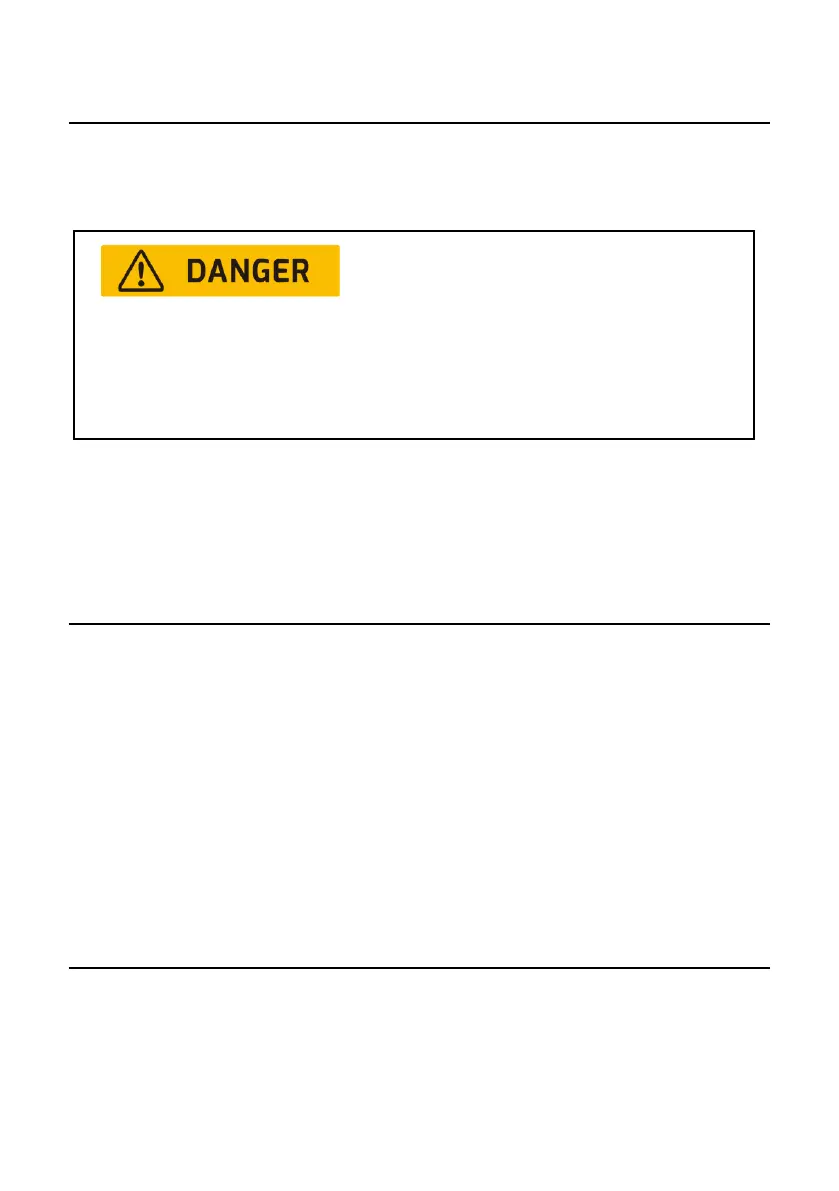
Danger to life due to the presence of AC voltage!
• Only touch the insulation of the AC cables.
• Do not touch the electrical live parts of the EV charger.
• Wear personal protective equipment such as insulating gloves.
.


 To Next Page