UM0027_ SOL APOLLO Series 7.4-22K_EN_V02_0523 49
② The EV charger will emit a “beep” and the LED strip will turn ice blue and
blink twice, which means that the card has been successfully bound and acti-
vated. (Max 3 RFID cards can be bound to one EV charger.)
6.5 Charging EV
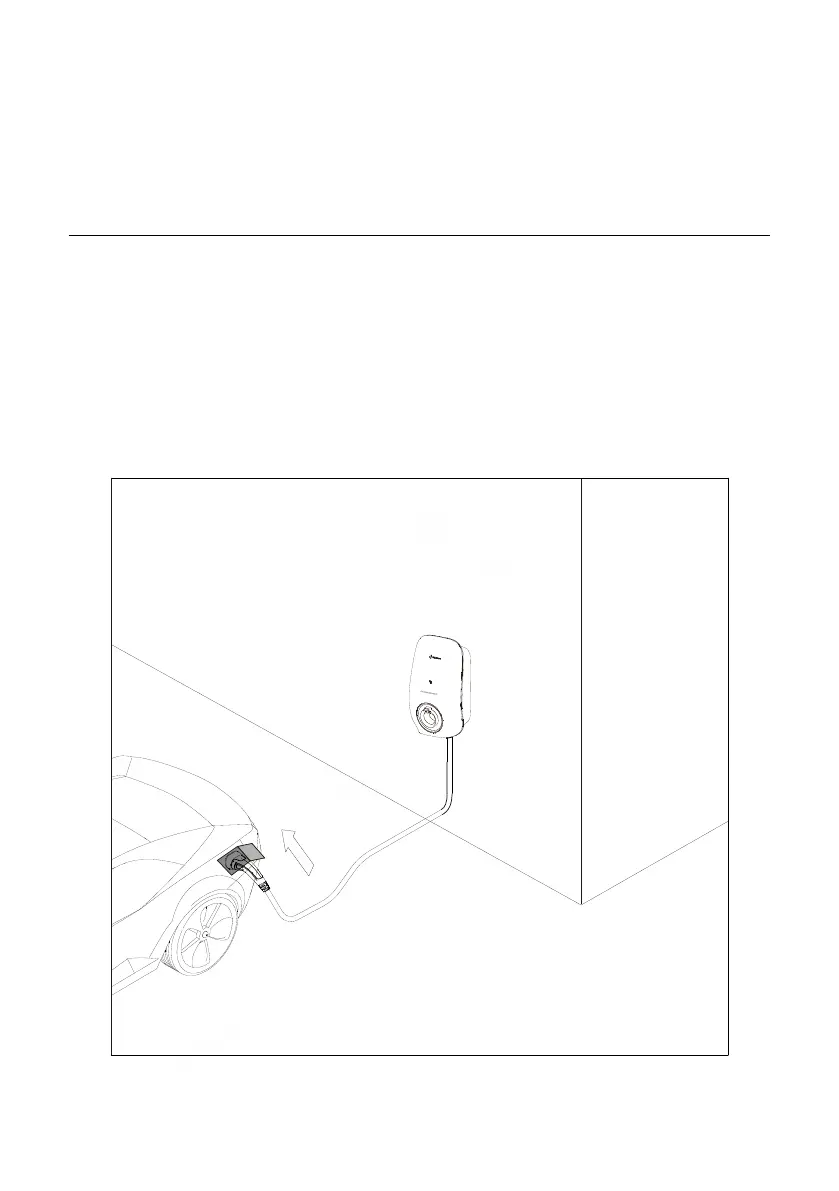
Charging with the cable version EV charger
① Connect the EV charger charging cable to the electric vehicle, the colour of
the EV charger LED strip changes from pulsing blue/green/ice blue to ice blue.
Wait for 5s, and the EV charger will unlock the charging cable connector auto-
matically.
② Start the EV charger with the Ai-charging app or RFID card.
③ The EV charger begins charging the electric vehicle.
Figure 43


 To Next Page