54 UM0027_ SOL APOLLO Series 7.4-22K_EN_V02_0523
8 Troubleshooting
When the EV charger appears not to be operating as per this manual, we re-
commend the following troubleshooting steps. If an error occurs, the error me-
ssages are displayed by the LED strip blinking red. There will be “Event Me-
ssages" displayed in the Ai-charging app. The troubleshooting steps are as
follows:
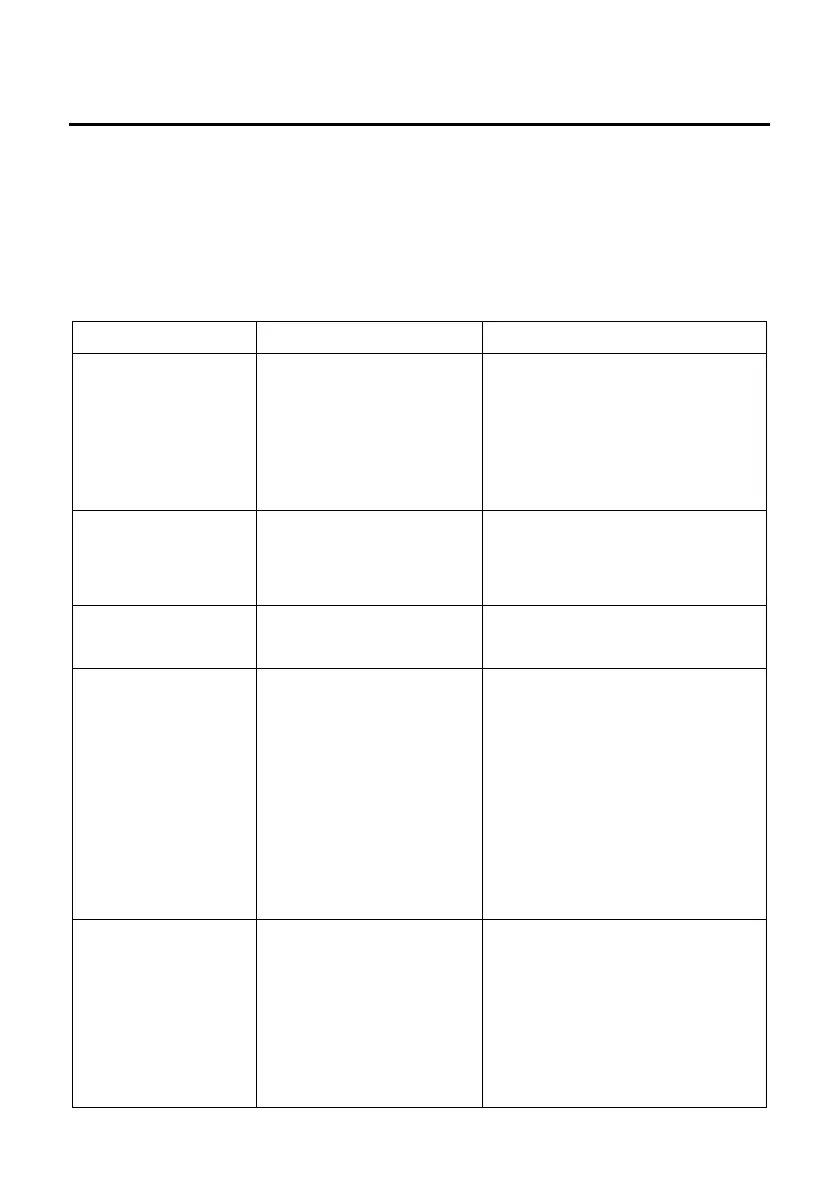
Sheet 12
No power or incorrect
connection or EV
charger fault or PEN is
disconnected in TN-C
system.
Please check if the circuit
breaker is turned on and
supply cables are connected
securely and correctly.
The EV charger
detects a charging CP
signal error.
Please contact the Solplanet
service provider.
The EV charger
detects a PEN fault.
Please contact the Solplanet
service provider.
The EV charger
detects that the supply
voltage is too high.
Please check that the supply
voltage is between 185 and
275V. If it is not within this
range, please contact your
local electricity supplier. If it
is within this range, please
contact the Solplanet service
provider.
The EV charger
detects that the supply
voltage is too low.
Please check that the supply
voltage is between 185 and
275V. If it is not within this
range, please contact your
local electricitiy supplier. If it
is within this range, please


 To Next Page