Operation
11/2014 1015420-00 Operating instructions – 27/78
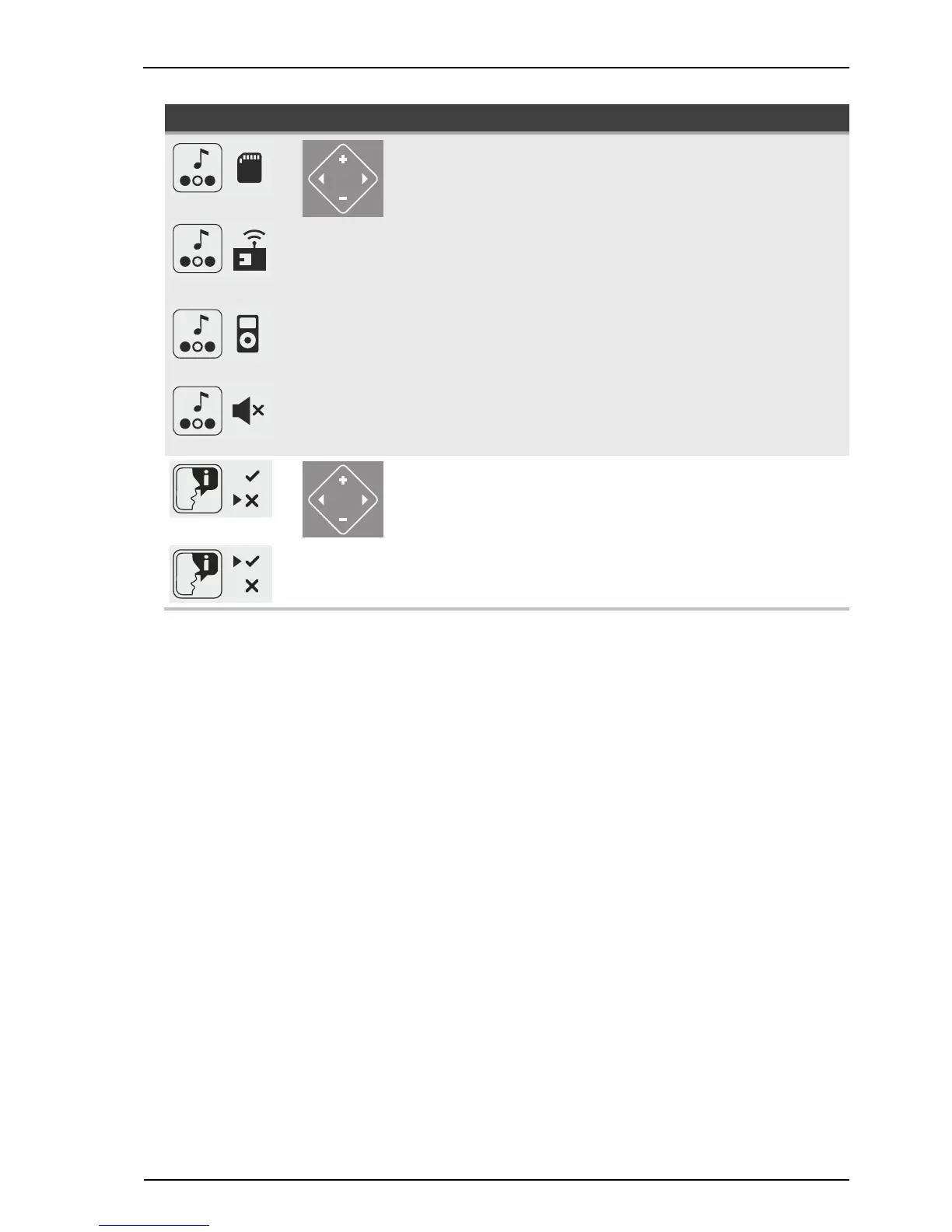
Icon Key Function / Description Information
Audio system
Select SD card:
Touch button ‘plus’
Select Studio channel:
Touch button ‘plus’
Select own music (e.g. MP3 player)
AUX:
Touch button ‘plus’
Switch off:
Hold button ‘minus’
The +/- buttons can be used to
select titles for internal music in
demo mode and during tan-
ning.
Switch the Voice Guide off:
Hold button ‘minus’
Switch the Voice Guide on:
Hold button ‘plus’
The Voice Guide provides
acoustic device operating help
and is onl




 To Next Page