USE OF THE STORAGE CABINET AS300
D0716C-EN
• To edit or delete an existing user, press the scroll bar at the right of the screen to scroll
though the list of users. Select the box to edit, perform two double clicks on the User
box and delete the ID icon by pressing then validate by pressing
• The user is then deleted from the list. Enter the new parameters according to the same
procedure.
DATE & TIME SETTING
Enter the time format hh:mm:ss using the numeric keyboard then press to validate.
Repeat the same operation for the date.
The setting operation is no longer accessible once an endoscope has been inserted
into the storage unit (clock with red background)
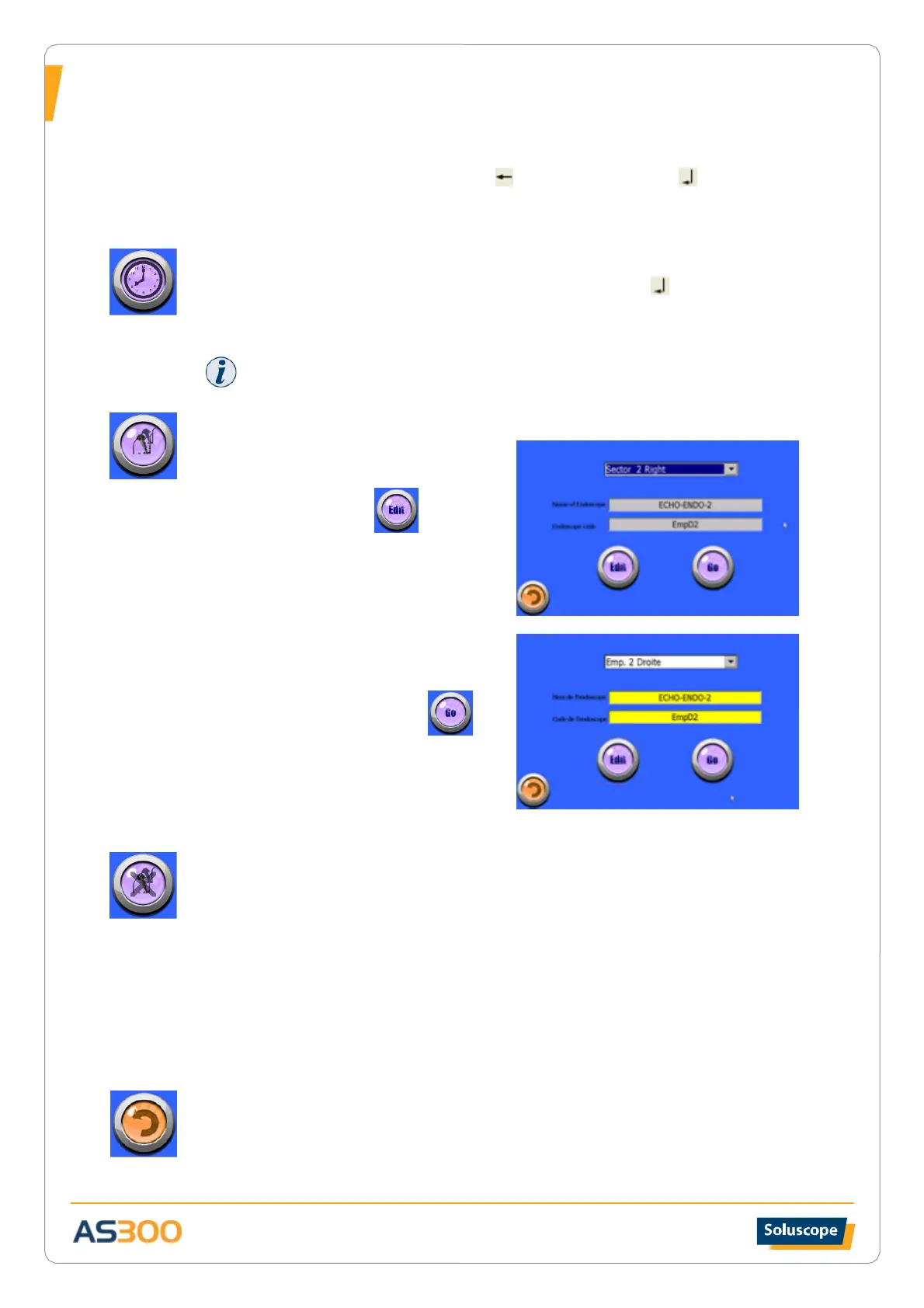
From the drop-down menu (upper window)
select the position of the endoscope to
register or edit then press
Press the yellow “Name of endoscope” button
Using the alphanumeric keyboard, type a
name or abbreviation and validate
This icon will be the ID name of the endoscope
in this position.
DISABLE LINE
This function allows a rack position to be disabled following a problem with the endoscope
affected to this position, such as an endoscope identified as in need of repair or for which the
microbiological quality prior to storage is uncertain.
The activation of this function locks all access to the affected rack position for the time necessary
to resolve the problem.
• Press the reference of the endoscope to be disabled.
• When the reference flashes red, exit the function.
• Disabled positions are marked black on the screen.
EXIT
Press to return to the home screen


 To Next Page