MAINTENANCE MENU FUNCTIONS
OPENING THE ELECTRICAL COMPARTMENT
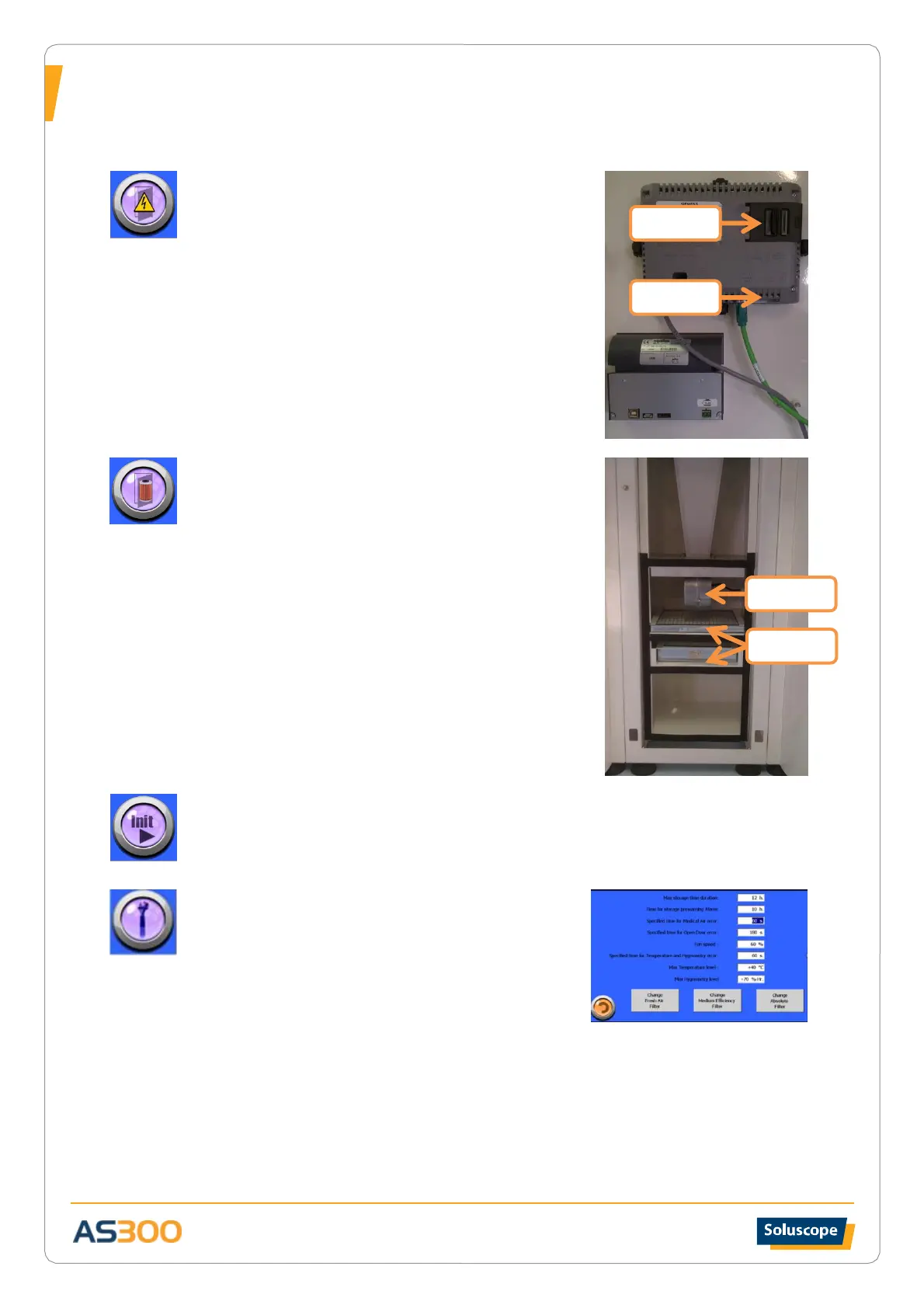
Allows opening the door of the electrical cabinet using the
key provided so as not to set off the alarm. Press the button
again when finished.
The memory card as well as the Ethernet port are located on
the back of the console as shown on the image.
OPENING THE FILTER COMPARTMENT
Allows opening the door of the filter compartment without
triggering an alarm. To change the air pre-filter, open the
access door to the pre-filter in the lower part of the technical
compartment under the electrical cabinet and change the
filter by sliding it on its base.
Close the door and press the same button again when the
operation is finished.
Don’t forget to reset the time counter in SETTINGS
INITIALIZATION
See paragraph Initialisation in chapter Use of the storage cabinet AS300
SETTINGS
Maximum storage time: Press the value to select the
maximum storage time in the unit. This value is set by a
qualified Soluscope technician.
Storage pre-alarm time: Set the lapse of time below which
the green light indicating the validity of the storage changes
to orange.
Medical air delay: Set the delay before signalling that the compressed air supply has been cut. If
this delay is exceeded, the storage conditions are rendered invalid for all endoscopes in the
AS300 cabinet.
Door open delay: Set the delay before signalling that the door is open when inserting an
endoscope. If this delay is exceeded, the storage conditions are rendered invalid for all
endoscopes in the AS300 cabinet.
Ventilator speed: Press the value to select the percentage of the maximum speed of rotation of


 To Next Page