9
© 2013 Somfy SAS. All rights reserved. 09/2013
GB
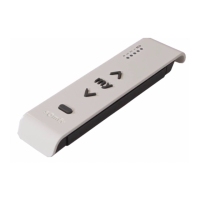
8.4. Replacing a lost or broken Somfy io control point
Refer to the corresponding guide.
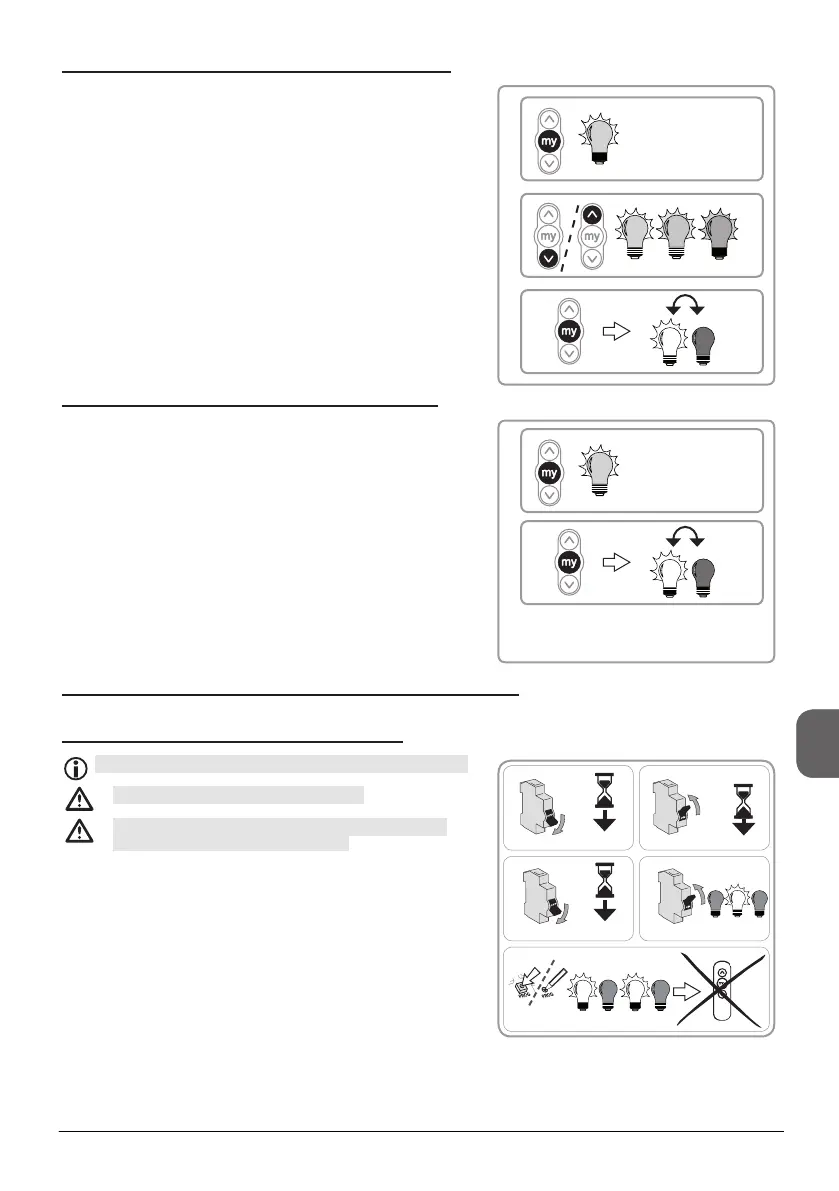
8.5. Restoring the original conguration
This reset is done with a Somfy io local control point.
This reset deletes all control points.
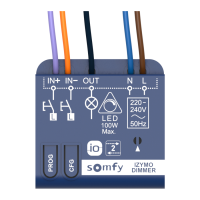
Only perform the double cutout on the Lighting
Receiver Variation io to be reset.
1) Cut the power supply for 2 seconds.
2) Switch the power supply back on for 5 to 15 seconds.
3) Cut the power supply for 2 seconds.
4) Switch the power supply back on: the light ashes slowly.
5) Hold down the PROG button: the light comes on then
goes off, and a few moments later the light comes on
again. The Lighting receiver Variation io is now in factory
conguration.
- Repeat the procedures in the "Set-up" section.
1
3
2
4
OFF
ON
OFF
ON
2 seconds.
2 seconds.
PROg. A
15 seconds.
5 seconds.
5
1) Press the «my» button to light up the bulb at the pre-set
favourite position.
2) Press and hold the Up or Down button to adjust the light
intensity to suit your needs.
3) When you have reached the desired light intensity, press
the «my» button until the bulb lights up then goes out.
► The new favourite light intensity is saved, and the bulb
lights up at this intensity.
8.2. Setting the «my» favourite light intensity
1
2
3
8.3. Deleting the «my» favourite light intensity
1) Press the «my» button to light up the bulb at the pre-set
favourite position.
2) Press the «my» button until the bulb lights up then goes
out.
► The favourite light intensity is deleted.
1
2


 To Next Page
 Loading...