Adjust the Lower Stop Position
Step 1 / 4
Warning
The lower stop position cannot be
adjusted if you don't allow the blind to
stop on its own accord. When pressing
the Down button, allow the blind to
stop automatically before carrying on
with the adjustment procedure.
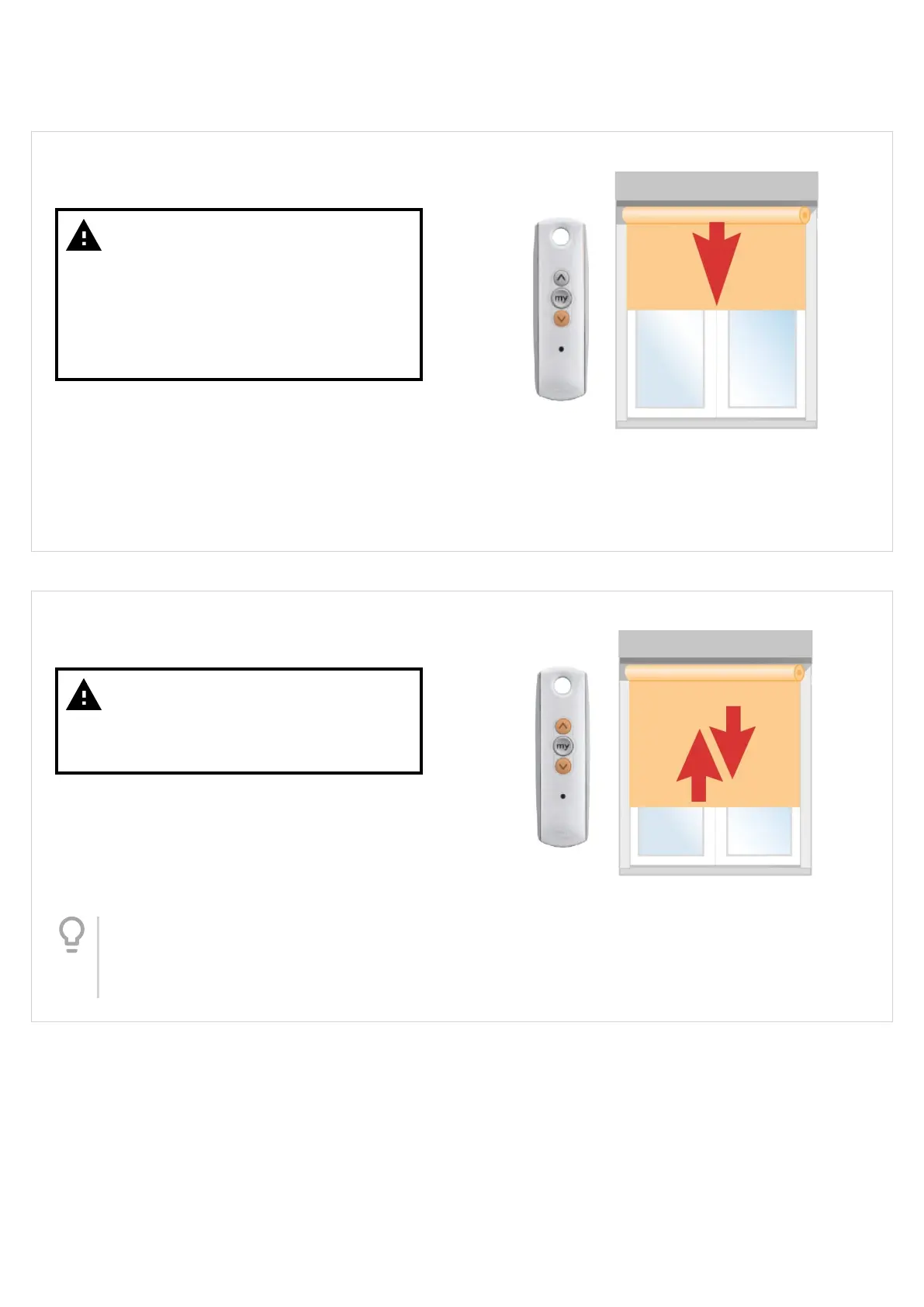
Adjust the lower stop position
PRESS the 'Down' button to send the blind to the
current lower stop position - allow the blind to stop on
its own accord.
Step 2 / 4
Warning
Make sure you press the Up & Down
buttons at the same time, otherwise
this program step will fail.
Once the blind has stopped at the current lower stop
position, PRESS & HOLD both the Up & Down buttons
together until the blind jogs (approx 5 secs).
Tip
Rather than count, wait for the blind to jog
- don't release the buttons until you see the
blind jog briey Up/Down.
Version 41
18



 To Next Page