Set a 'MY' Position
Step 1 / 5
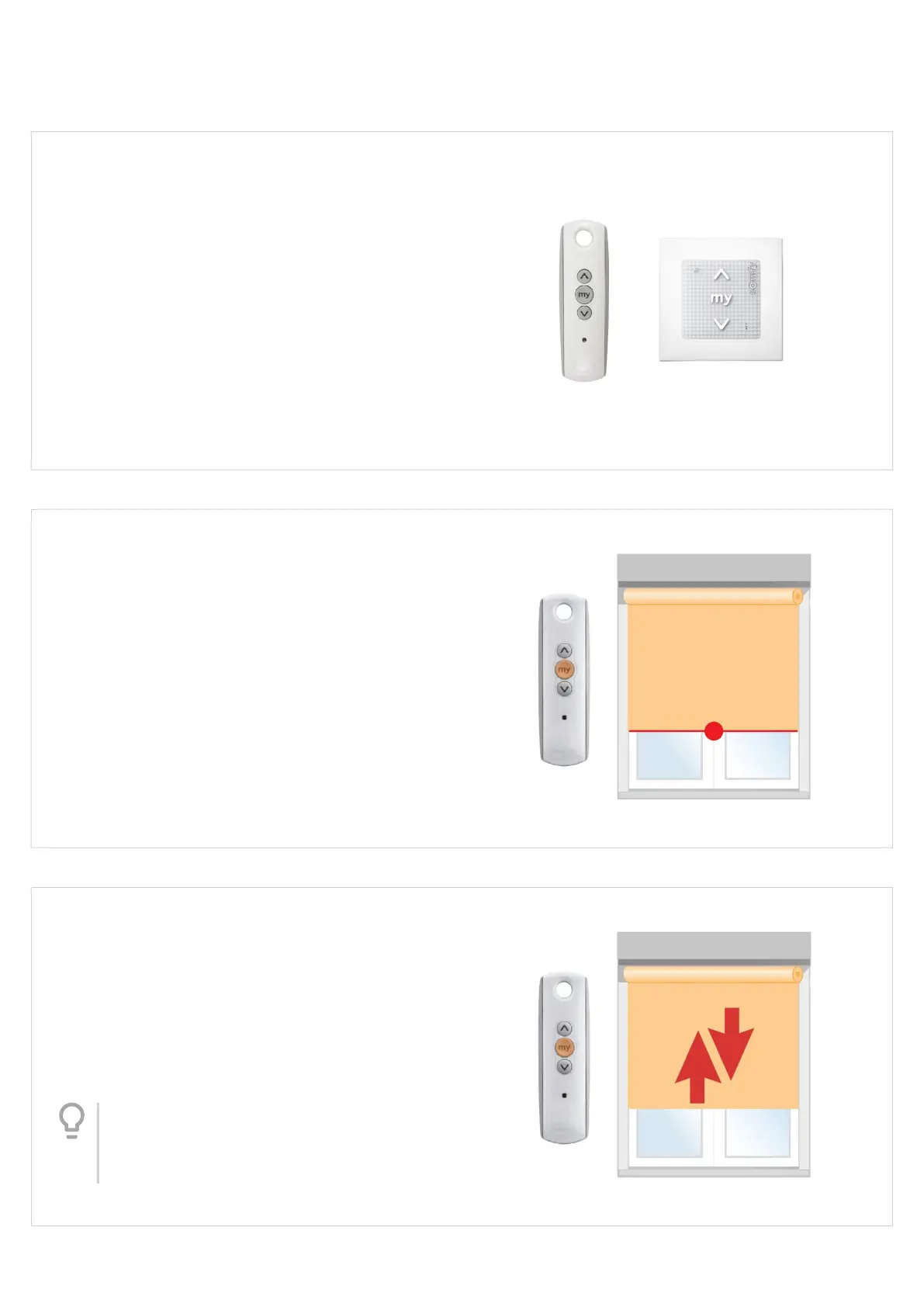
This instruction shows a Telis 1 handset used for the
programming procedure, but any Somfy control can
be used.
Step 2 / 5
SETTING
Use the Up and / or Down buttons to operate the blind
and briey press the 'MY' button to stop at the desired
‘MY’ or intermediate position.
Step 3 / 5
SETTING
Once the desired Intermediate position is reached,
PRESS & HOLD the 'MY' button until the blind jogs
(approx 5 secs). The ‘MY’ position has now been set.
Tip
Rather than count, wait for the blind to jog
- don't release the button until you see the
blind jog briey Up/Down.
Version 41
20




 To Next Page