Step 3 / 4
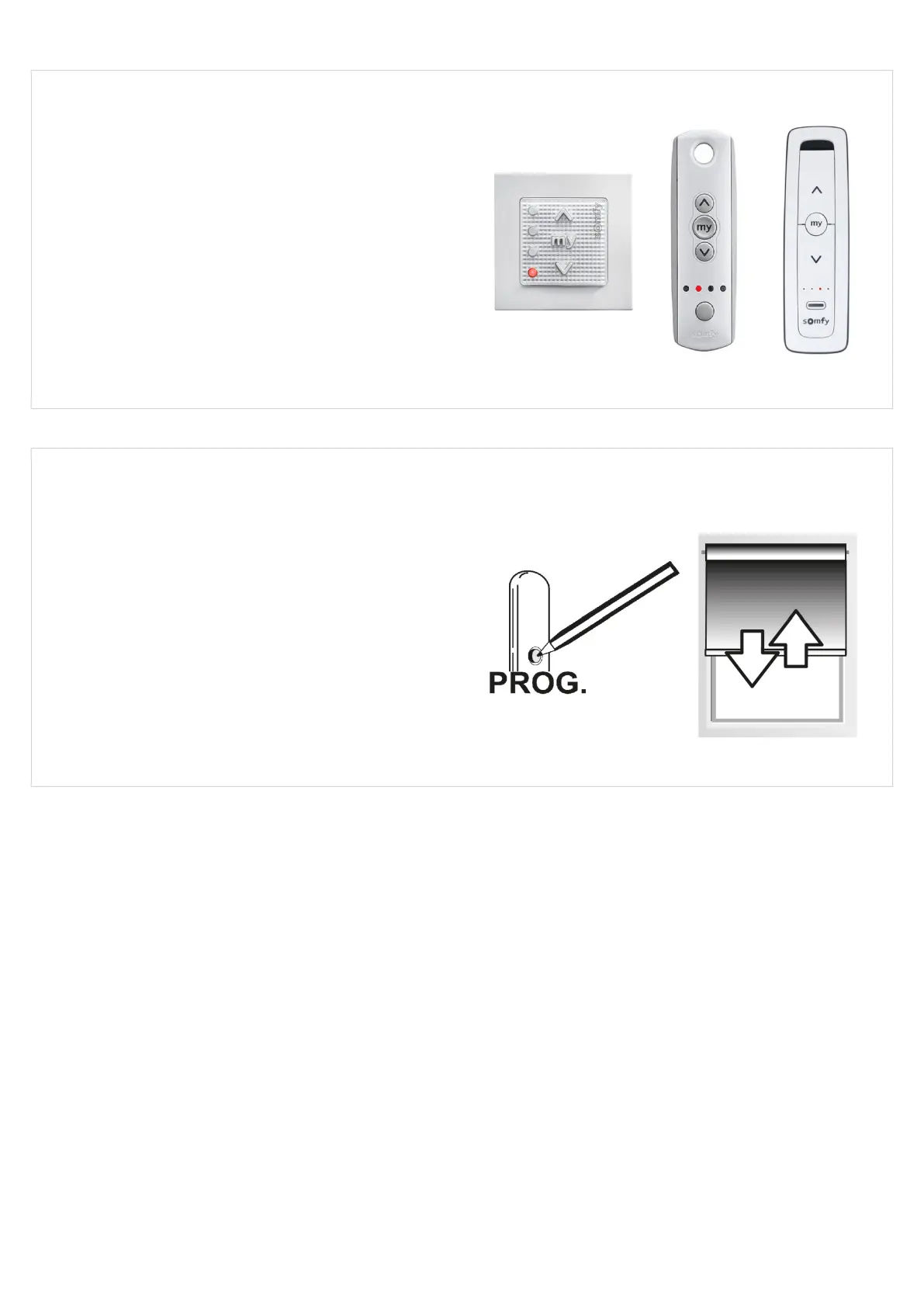
SELECT THE CONTROL CHANNEL TO PAIR/DELETE
Take the control and select the relevant channel:
• Use the channel selector button on the Telis 4 or
Situo 5 handset to light up the channel
• Press the relevant channel button on the Smoove
Origin 4 wall switch to light up the channel
Step 4 / 4
PAIRING/DELETING A CONTROL CHANNEL
Take the control and briey press the program button
- the blind will jog:
A control channel not previously paired is now paired
to the blind motor.
A control channel previously paired is now deleted
from the blind motor.
Version 41
28



 To Next Page