Step 3 / 14
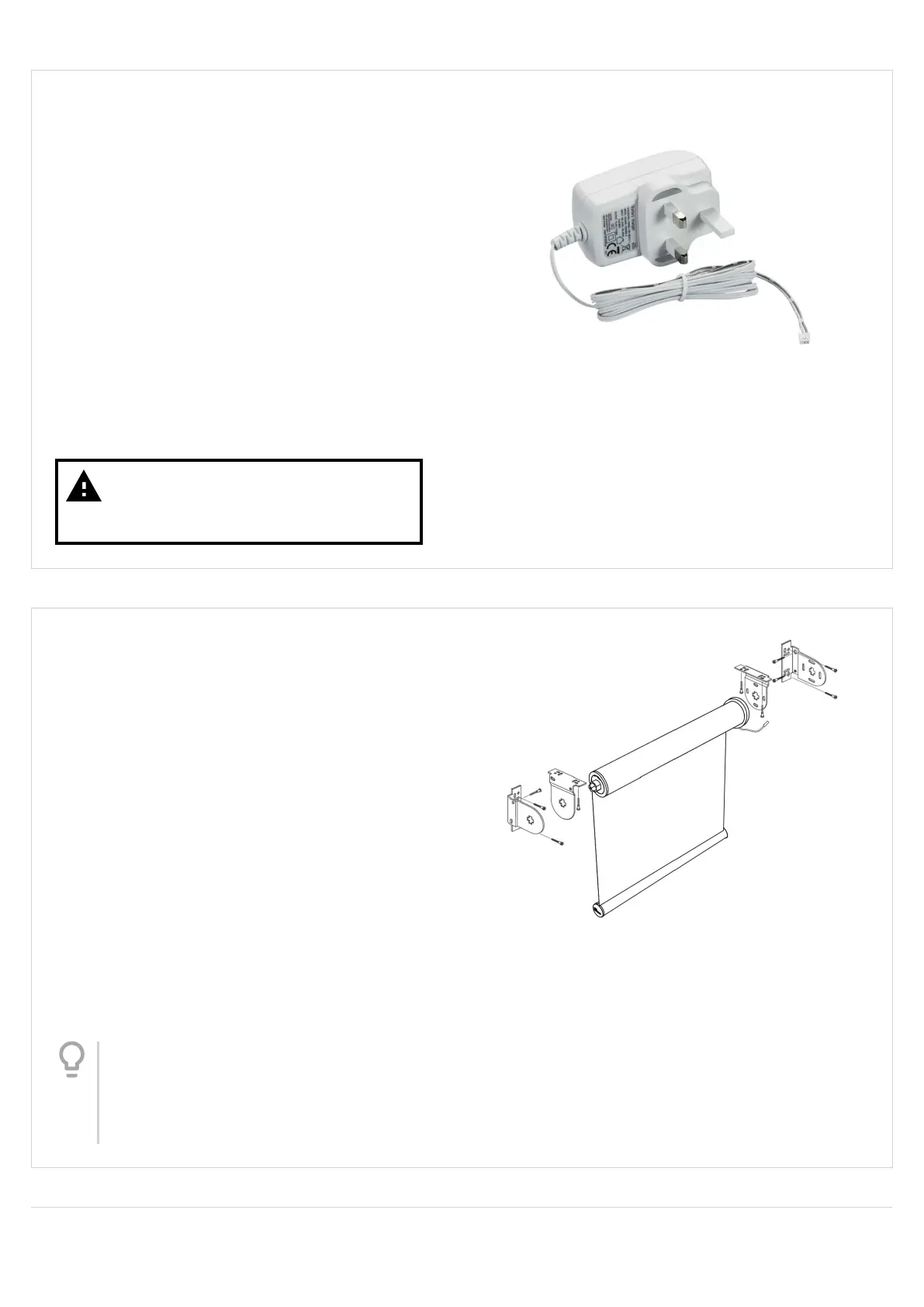
Charging the Motor
When the batteries are running low, the motor
program/reset button will blink red slowly for 3
seconds before and after blind operation.
To charge the motor battery:
• Connect the charger to the motor cable
• The LED on the charger will light up as follows:
• Solid Red = Charging
• Solid Orange = Charging is near completion
• Solid Green = Charging is complete
• Disconnect the cable when charging is complete
Warning
Do not operate the blind while the
motor is charging
Step 4 / 14
STANDARD ROLLER BLIND INSTALLATION
Marking and tting the brackets
Put the blind into the corresponding ends of the
brackets, then offer the blind into the position where it
will t in your window.
Mark the positions of 2 holes per bracket for xing or
drilling.
Secure the brackets in place at the marks previously
made.
Fix the brackets in place using the screws supplied.
Tip
If securing the brackets to plaster, brick,
stone, etc., drill the holes at the marked
positions using a 5.5mm masonry drill bit
and insert the raw plugs supplied.
Version 41
4




 To Next Page