OPERATING THE EQUIPMENT
DAS Firmware Upgrade Procedure
STEP 11
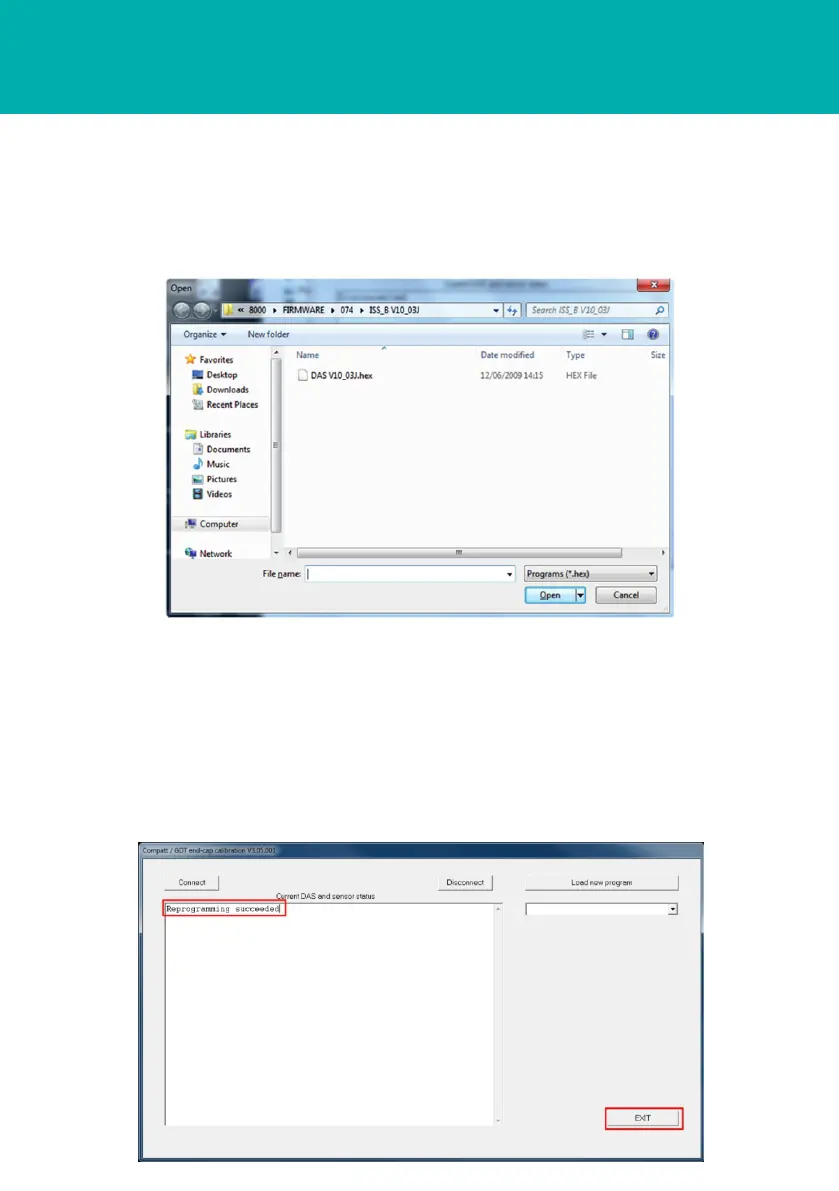
17 The firmware upgrade will now commence. This process will take approximately 4-5
minutes.
18 When the new firmware upgrade has completed, a Reprogramming Succeeded
notification will be displayed in the DAS homepage main screen.
19 Click Exit to return to the WTT homepage.
16 Navigate to the location of the new program. Click Open.



 To Next Page