CONNECTING THE EQUIPMENT
STEP 3
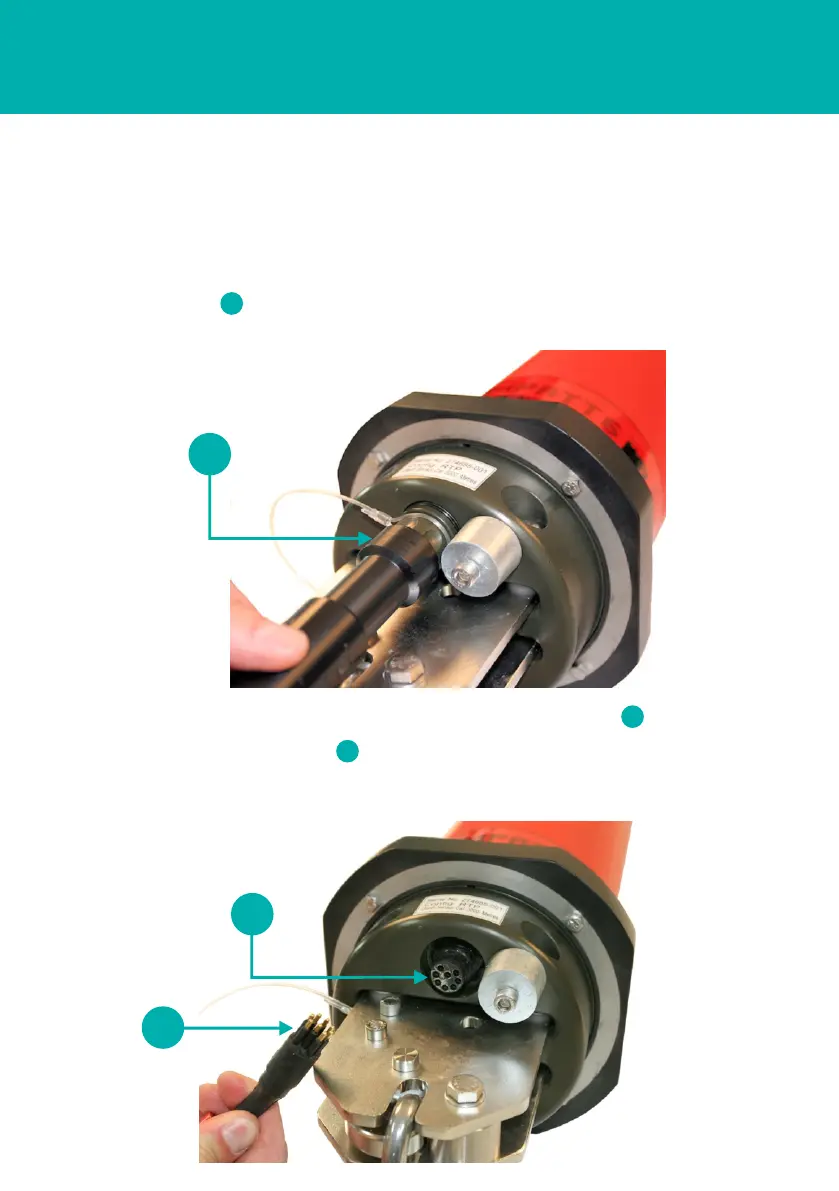
1 Use the following instructions to connect the Dual Serial Cable to the Transponder.
2 Locate the round Dual Serial Cable connection point on the Transponder.
3 Using the special tool, remove the protective cover from the Dual Serial Cable
connection point .
1
1
2
3
4 Check the connection points are free from obstructions and dirt .
5 Position the Dual Serial Cable in the correct orientation and insert into the
connection point.
2
3



 To Next Page