OPERATING MANUAL MPI-530-IT version 1.06
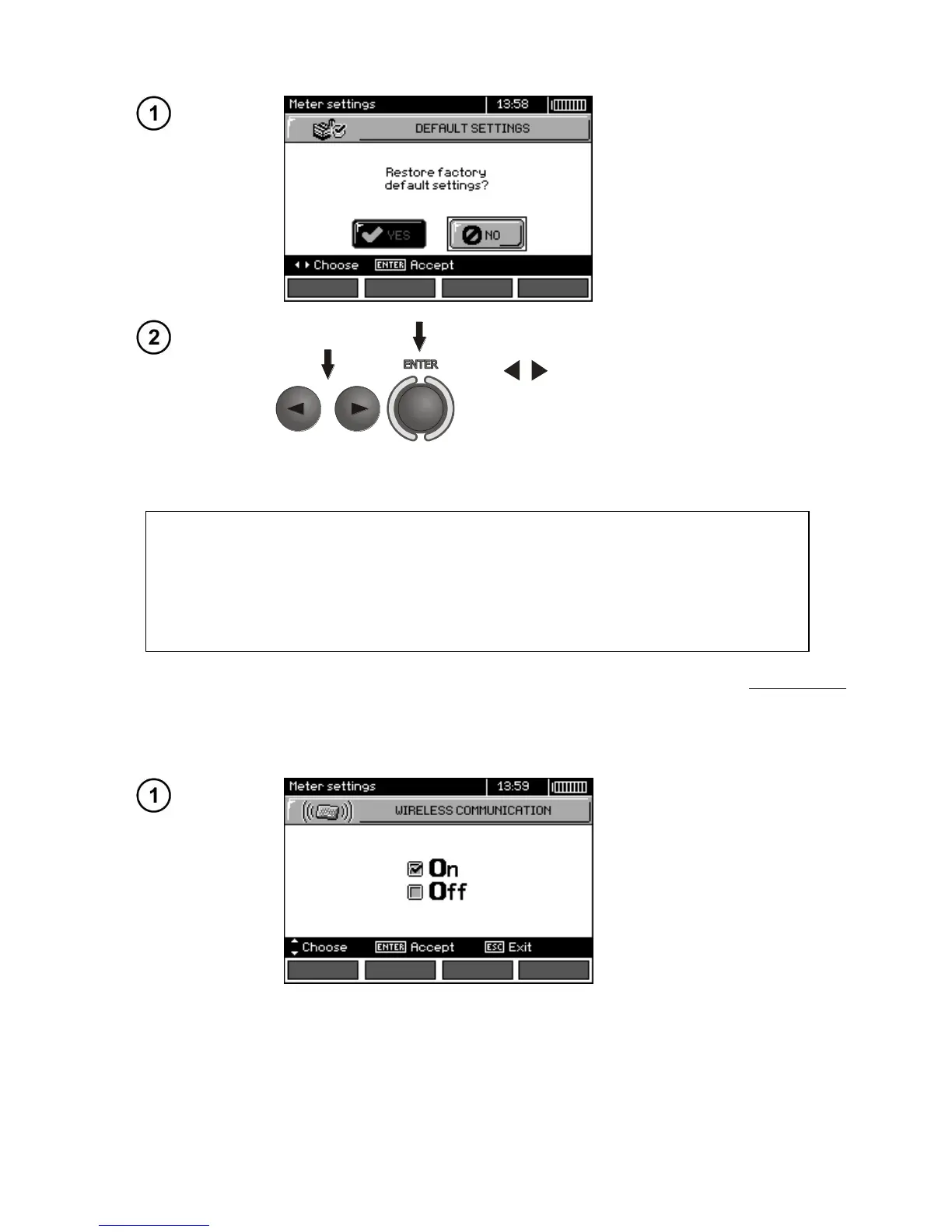
2.3.6 Factory (default) settings
In order to return to factory (default), use
, to select YES and press ENTER.
ATTENTION!
A new battery pack should be installed or rechargeable batteries should be re-
charged before programming.
During programming the meter must not be switched off as well as the transmis-
sion cable must not be disconnected.
Before updating software, download the software from the manufacturer’s website (www.sonel.pl)
and install it on your PC, then connect the meter to PC.
Select Software upgrade in the MENU and follow the instructions displayed by the program.
2.3.8 Wireless communication


 To Next Page