Page 28
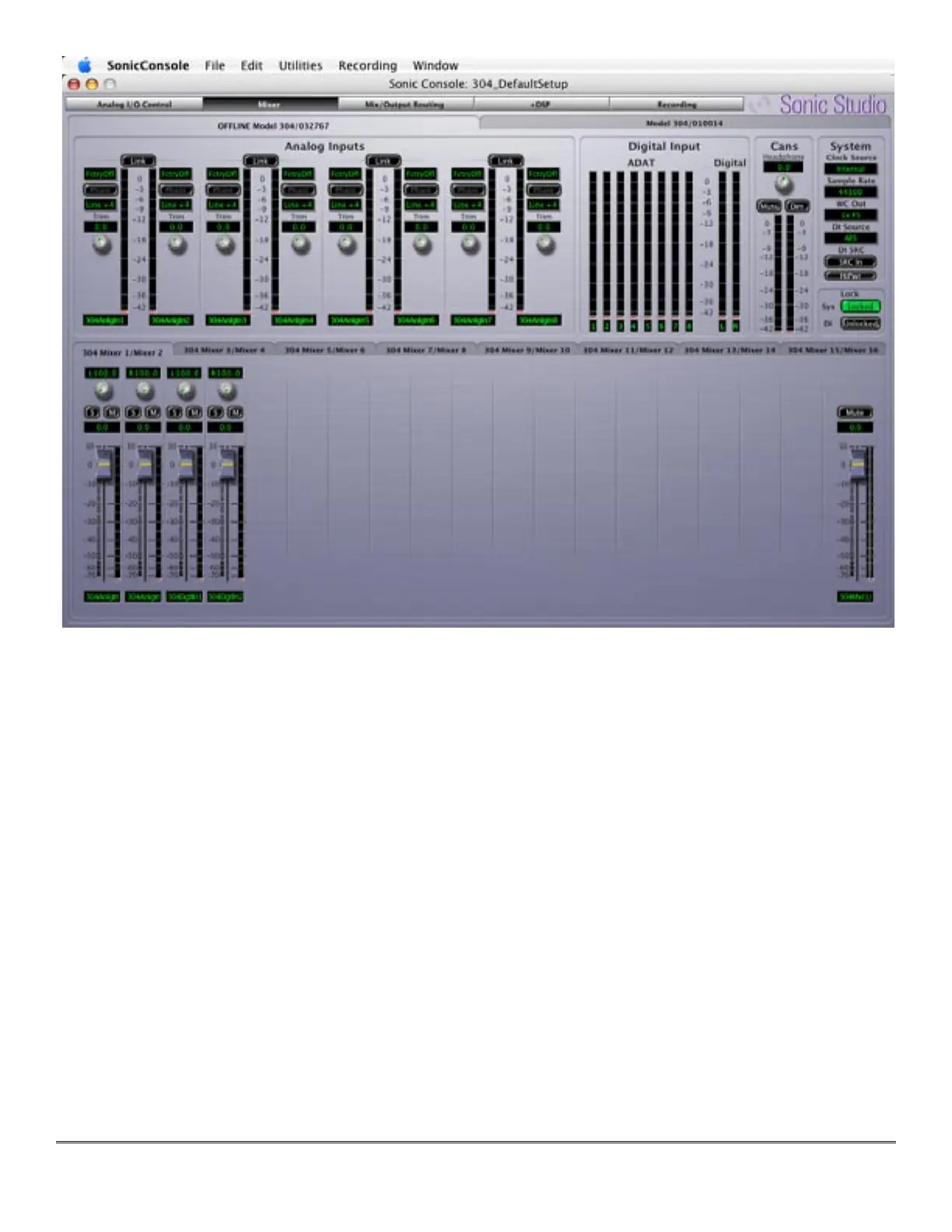
Figure 3 — The Mixer pane
3.1.3 Mix/Output Routing Pane
The Mix/Output Routing pane provides control of all physical and virtual I/O plus, the Mixer
and Analog I/O. The Mix/Output Routing pane is accessed via the Mix/Output Routing button at
the top center of Sonic Console, just to the right of the Mixer button.
The Mix/Output Routing pane is divided into three sections. In the upper left, the Matrix Pa-
rameters and Patchbay Parameters menus provide access to saved states and presets. To the
lower left is the Output Patchbay, which provides direct output assigns for the unit. The major-
ity of the pane is taken up by the I/O matrix, which occupied the center and right portion of the
pane.



 To Next Page