Page 35
There is no routing delay within the Graph, regardless of configuration. The Graph itself has a
16 sample delay from input to output.
3.2.3 Controlling Processes
It’s easy to control each process’ parameters. In order to open a processor user interface, sim-
ply double click on any process in the Graph.
3.2.4 Patch Library Menu
The Patch Library menu allows you to save the complete state of the Graph. This menu works
like other Library menus. You can revert to the factor default setting, create a category into
which you can file new patch parameters, and copy, paste and save new patch paramenters.
3.2.5 DSP Meter
The DSP Meter shows you the current load on the DSP shown in the DSP menu. Since pro-
cesses in Sonic Console are dynamic, this is the best way to determine if you are close to over-
loading the DSP. The processes in Sonic Console only use the resources they need to accom-
plish the job that you have selected with the current settings. So, if a process is not disabled,
it will not use up DSP resources. This means that you can instantiate more processes if you do
not use all the features of each processing block. The Meter shows actual dynamic load, and
will vary with the settings of the processes and program material.
3.2.6 Processor UI Specifics
Though each processor type has a unique user interface, all processes share the same control
bar along the top of each Process window. This bar provides generic services for managing the
state of any plug-in.
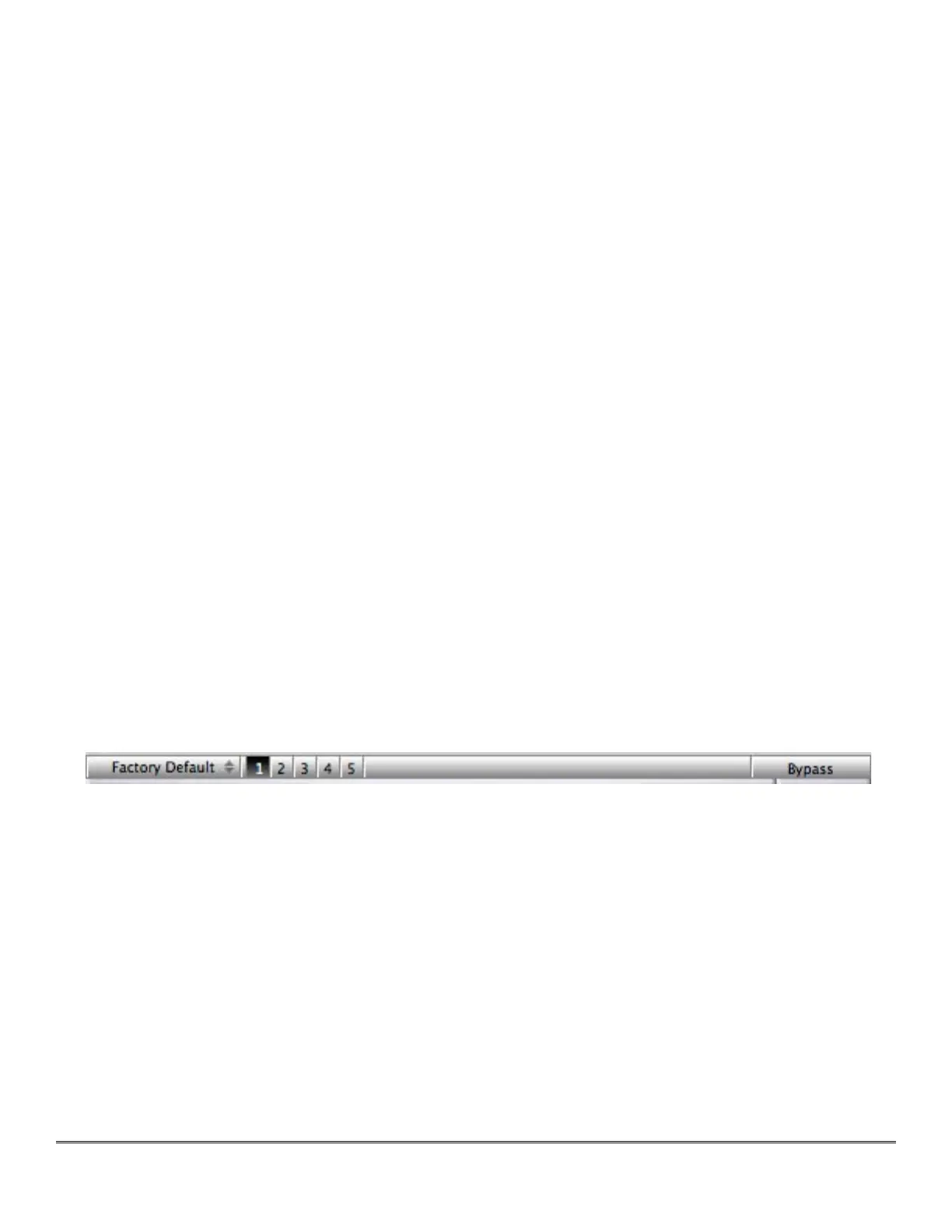
Figure 12 — A processor’s control bar
Every process window has, from left to right, a parameter library menu, five state registers
and a master bypass button at far right. The parameter library menu shares the same factor de-
fault, category and patch paramenters choices mentioned in section 2.7.4 above. The parameter
library is automatically shared amongst all instances of compatible process types, so mono
and stereo instances of a type automatically share preset libraries.
The five state registers are a useful feature. Each button corresponds to a complete param-
eter state. If the button has not been used, the register will be empty and nothing will happen
when you click on that register. When you click on another register, the current parameters will
be saved into the register. This allows you to adjust for multiple alternate setting, and instantly
switch between states. Finally, the bypass button in the control bar is a master bypass for that
process.



 To Next Page