GLOBAL
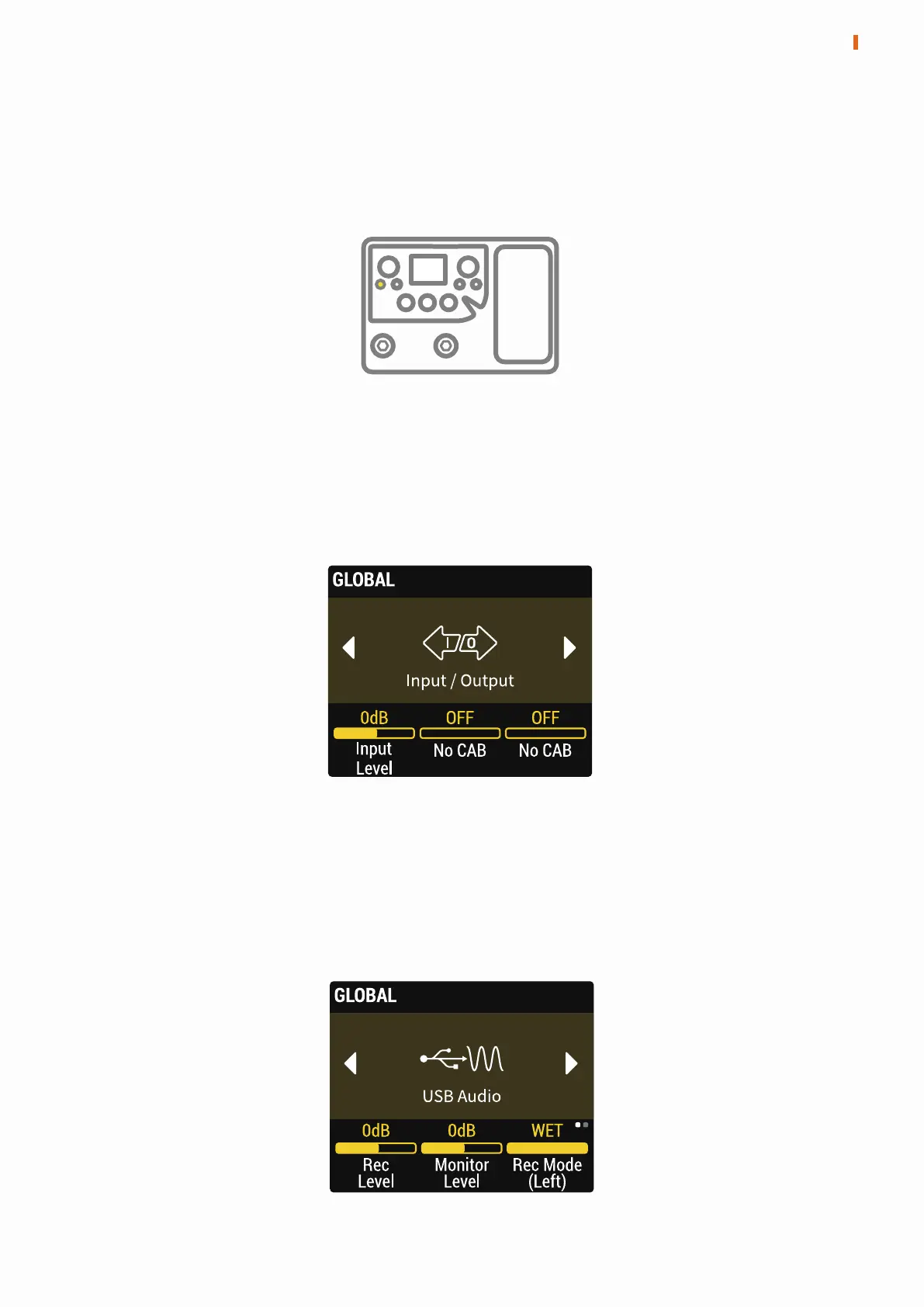
Press the GLOBAL button to enter the GLOBAL menu. In the menu, turn the
PARA knob to select a settings item, press the PARA knob to turn the
parameters bar to the next page.
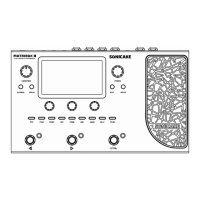
Input Level: Adjust the input level of the instrument, the adjustment ranges
from from -20dB to 20dB.
No CAB (Left/Right): Turning this on will bypass the CAB module for Matribox’s
left/right output channel ignoring preset settings.
Input/Output
10
GLOBAL
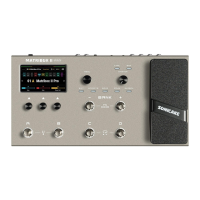
Rec Level: Adjust the volume of USB Audio recording from -20dB to 20dB.
Monitor Level: Adjust the volume of USB Audio monitoring from -20dB to 6dB.
Rec Mode (Left/Right): Optional left/right channel is dry signal or wet signal
when USB recording.
USB Audio
(Left) (Right)


 To Next Page