GLOBAL
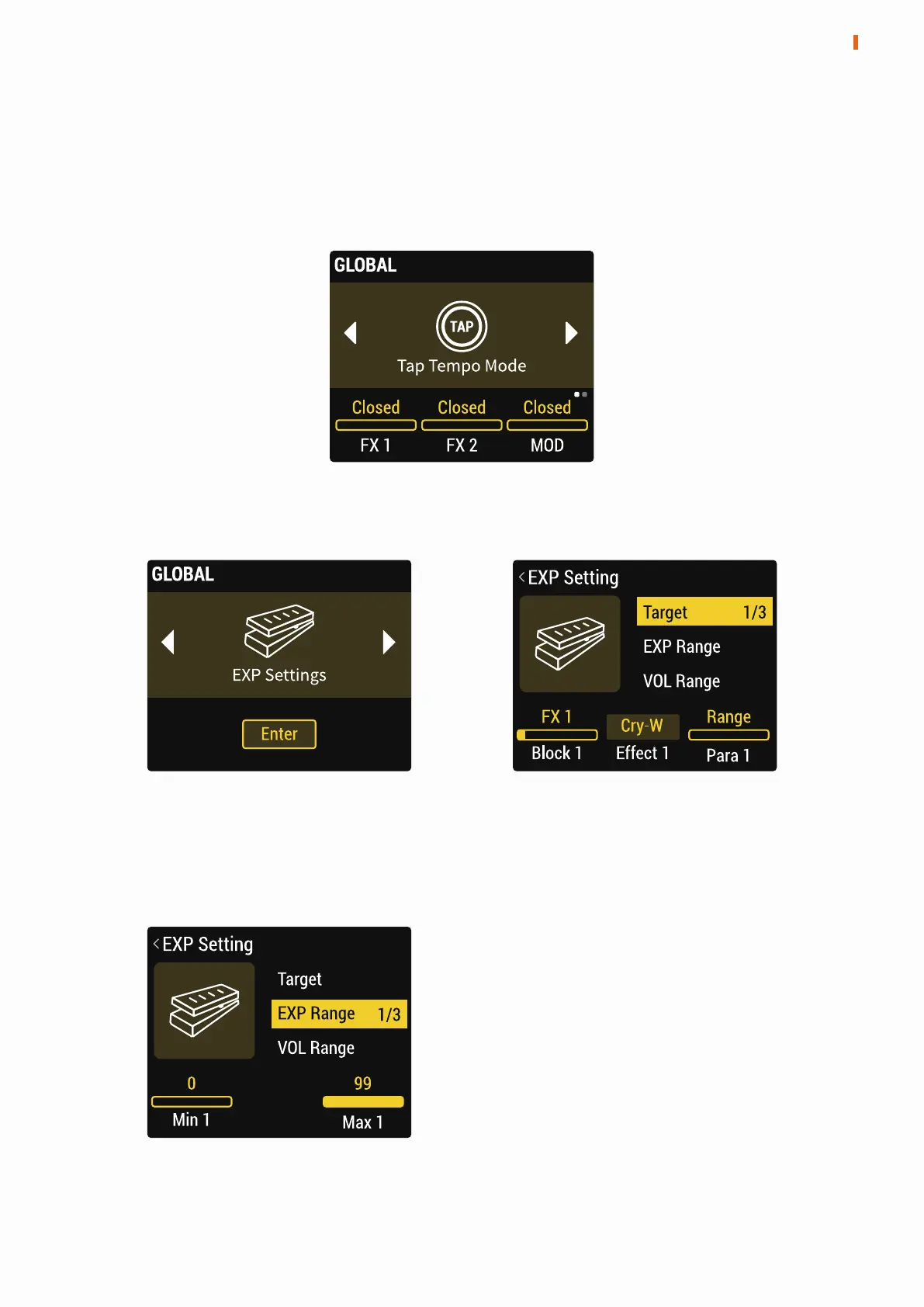
Tap Tempo Mode
Here the FX1, FX2, DLY, MOD modules can be set to force synchronization to
the preset BPM and ignore preset settings to use the Tap Tempo function.
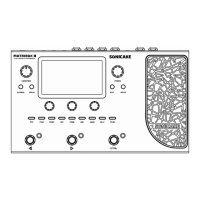
EXP Setting
Press the PARA knob to enter the EXP Setting menu.
11
GLOBAL
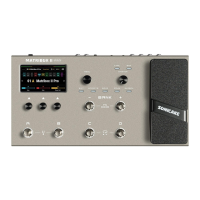
Target: Select the expression pedal control target and specific parameters
of control target. Press the PARA knob to turn the page and select other
targets.
EXP Range: Adjust the maximum and
minimum values of the expression
pedal. Press the PARA knob to turn
the page.


 To Next Page