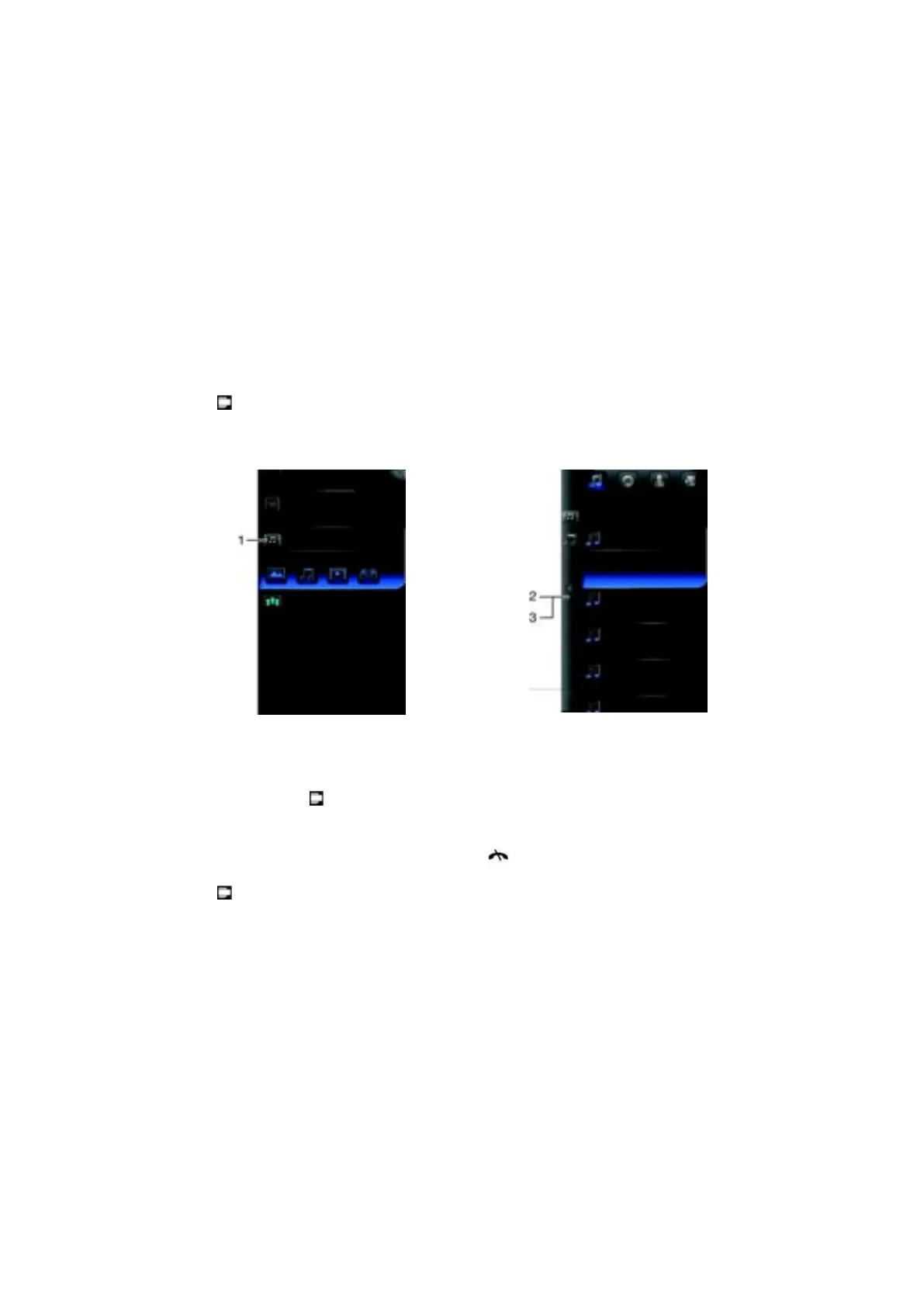
SlideView
SlideView provides you with quick access to frequently used phone activities. It gives you
an overview of missed incoming activities and notifies you of any missed calls, emails, and
text messages.
SlideView includes access to:
•
Call history
•
Messages
•
Calendar
•
Media
•
PlayNow
•
Sony Ericsson Sync
•
Panel Manager
To open SlideView
•
Press .
To navigate SlideView
1
To open a phone activity, tap the activity.
2
To go back to the previous view, tap the bar on the left.
3
To go back to the SlideView main view, tap the bar on the left until you get to the
main view, or press
.
To switch between SlideView and applications
1
When using an application in SlideView, press .
2
Select another application.
3
Press
to return to the application you started in SlideView.
16
This is an Internet version of this publication. © Print only for private use.










 To Next Page