Panels
The Panels interface lets you personalize your standby screen. You can view your chosen
panels in different views, set panels to switch automatically, and download new panels.
Some panels described in this User guide are not supported by all networks and/or service
providers in all areas.
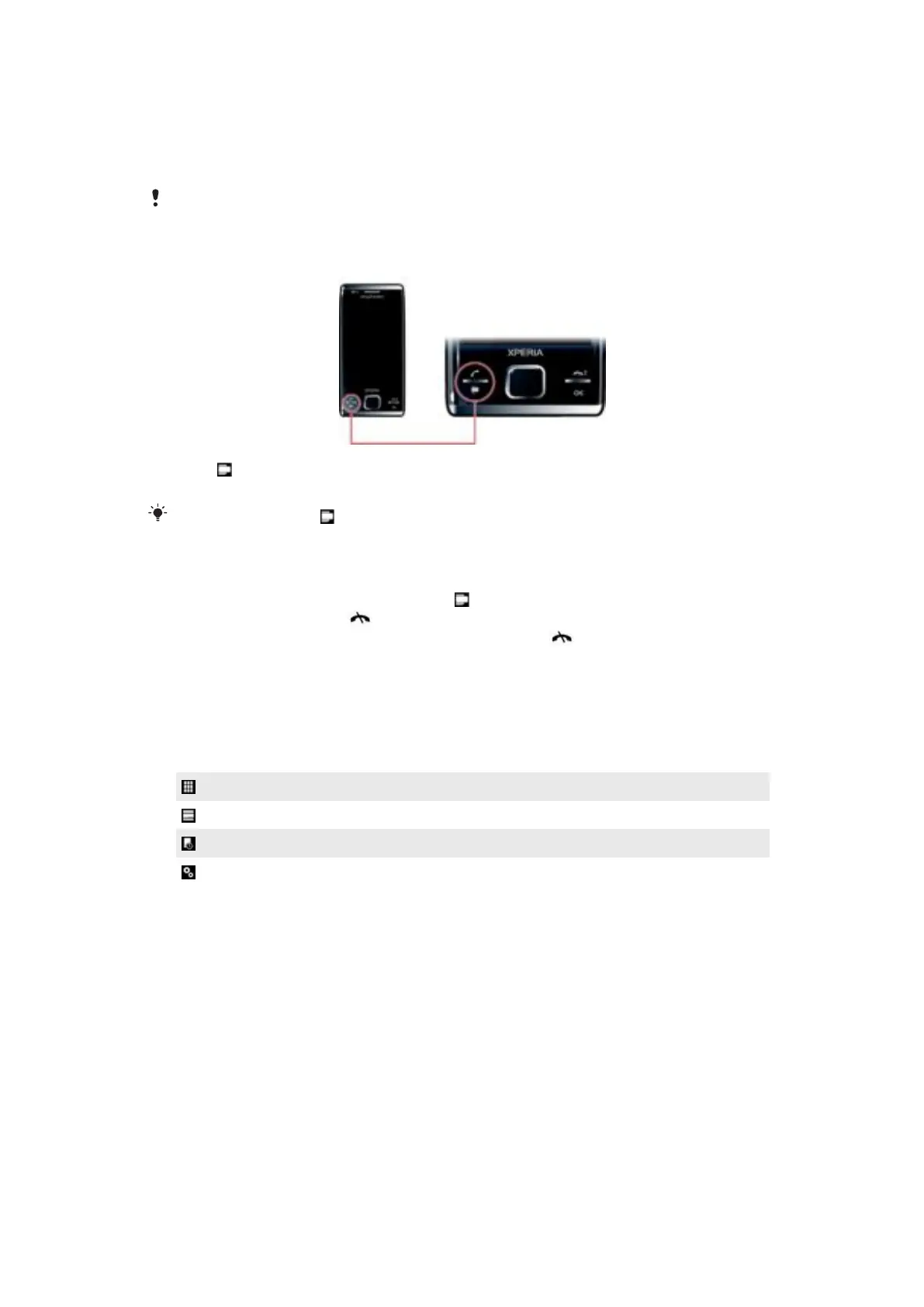
To open and close panel views
1
Press .
2
Tap Panels.
You can double press to enter the panel view directly.
Switching between panels and applications
•
In a panel or an application, double press to go to Favorites view.
•
From a panel view, press
to return to the most recently used panel.
•
In an application you started from the Start menu, press to return to the most recently
used panel.
Panel manager
With the panel manager you can display the panels in different views, edit settings for the
auto panel switching and download new panels.
Favorites view
List view
Auto Panel switching
Settings
Favorites view
Your nine favorite panels are displayed in this view. You can set panels as favorites from
the List view.
20
This is an Internet version of this publication. © Print only for private use.










 To Next Page