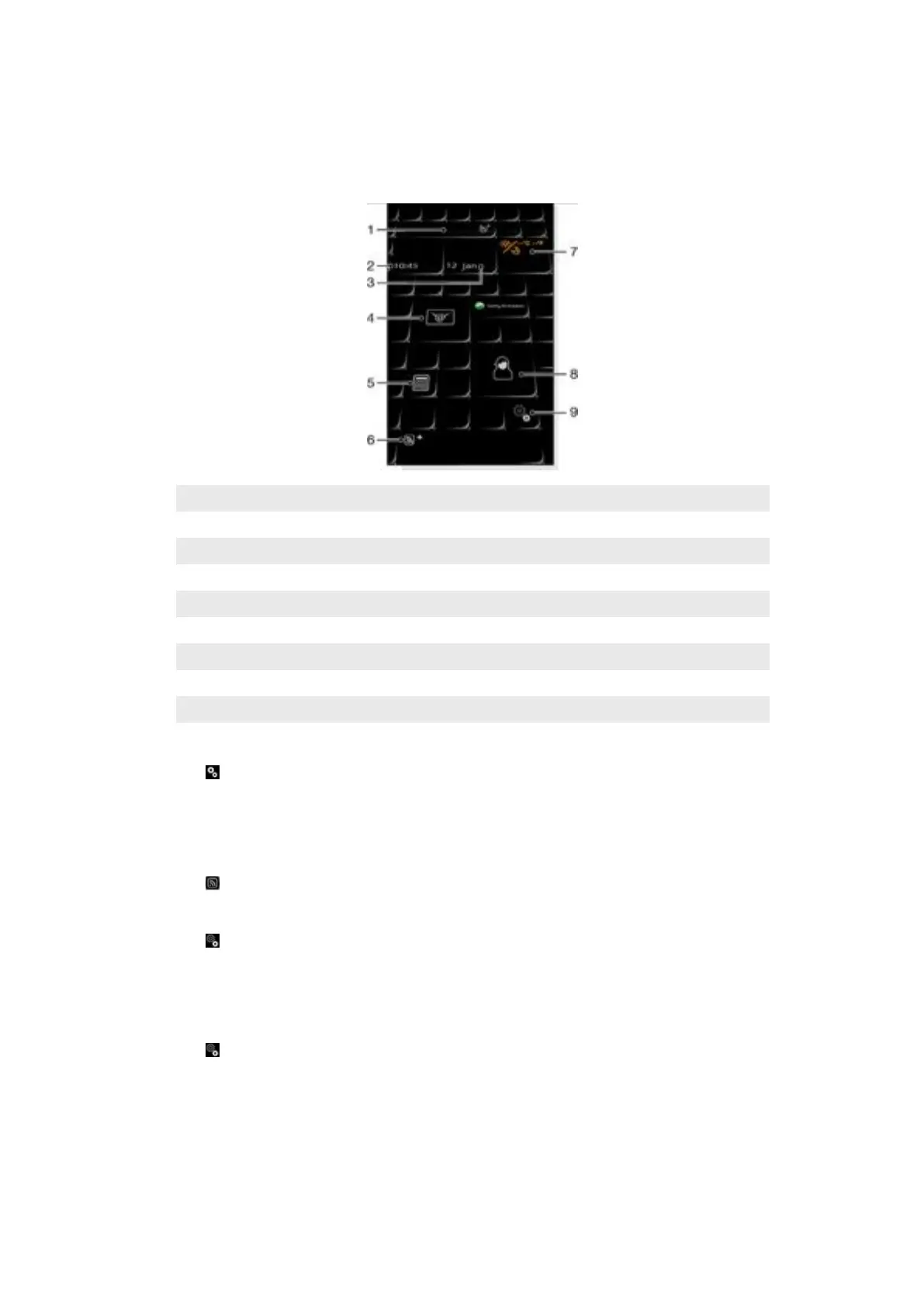
Tilewave panel
This panel gives you an overview of features through a 3D interface. You can access the
features with a single tap. Time, date, and weather are updated automatically when you
select a city, and you are connected to the Internet. You can change RSS feed source and
choose how often you want the RSS feeds to be updated.
1 City
2 Time
3 Date/Calendar
4 Messages
5 Calculator
6 RSS feed
7 Weather
8 Contacts
9 Settings
To change city
1
Tap and tap the Time tab.
2
Tap the Select city box.
3
Enter the city name and tap Search.
4
Select a city and tap OK.
To view RSS feeds
•
Tap
.
To change an RSS feed source
1
Tap
and tap the RSS tab.
2
Tap beside an empty check box and enter the address for the RSS feed source.
3
Tap on the check box to enable the new RSS feed source.
4
Tap OK.
To change the update frequency of the RSS feeds
1
Tap
, then tap the RSS tab.
2
Mark the Web feeds enabled check box.
3
Select an update frequency from the drop-down list and tap OK.
CNN panel
The CNN panel gives you an overview of the latest news around the world.
23
This is an Internet version of this publication. © Print only for private use.










 To Next Page