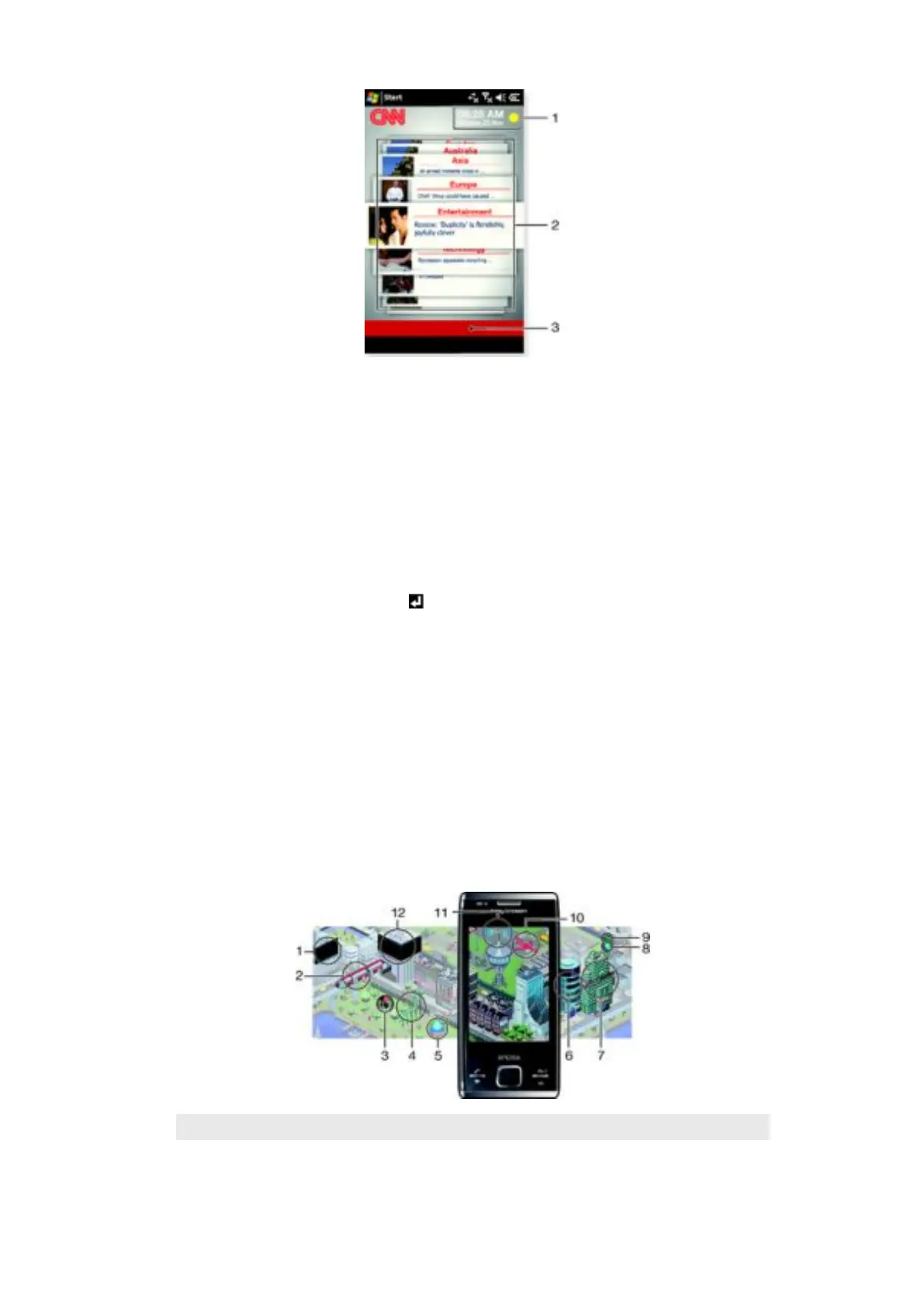
1 Time and weather
2 Latest news
3 Filter
Time and weather
The time and weather are updated automatically when you enter a city name and are
connected to the Internet.
To change the time and weather
1
Tap Add city.
2
Enter the name of a city and press .
3
Select a city from the search list and tap OK.
Latest news
Scroll between the latest news and use filters to show specific news.
To change filters
1
Tap All topics.
2
Select a filter and tap it.
Pixel City panel
You can access a number of features through the Pixel City panel. Many details and visual
behaviours are connected to different features. You can discover the whole city by flicking
to the sides.
1
Messages and e-mails.
2 Calendar appointments. When there is a calendar appointment coming up in the day, the train will appear.
24
This is an Internet version of this publication. © Print only for private use.










 To Next Page