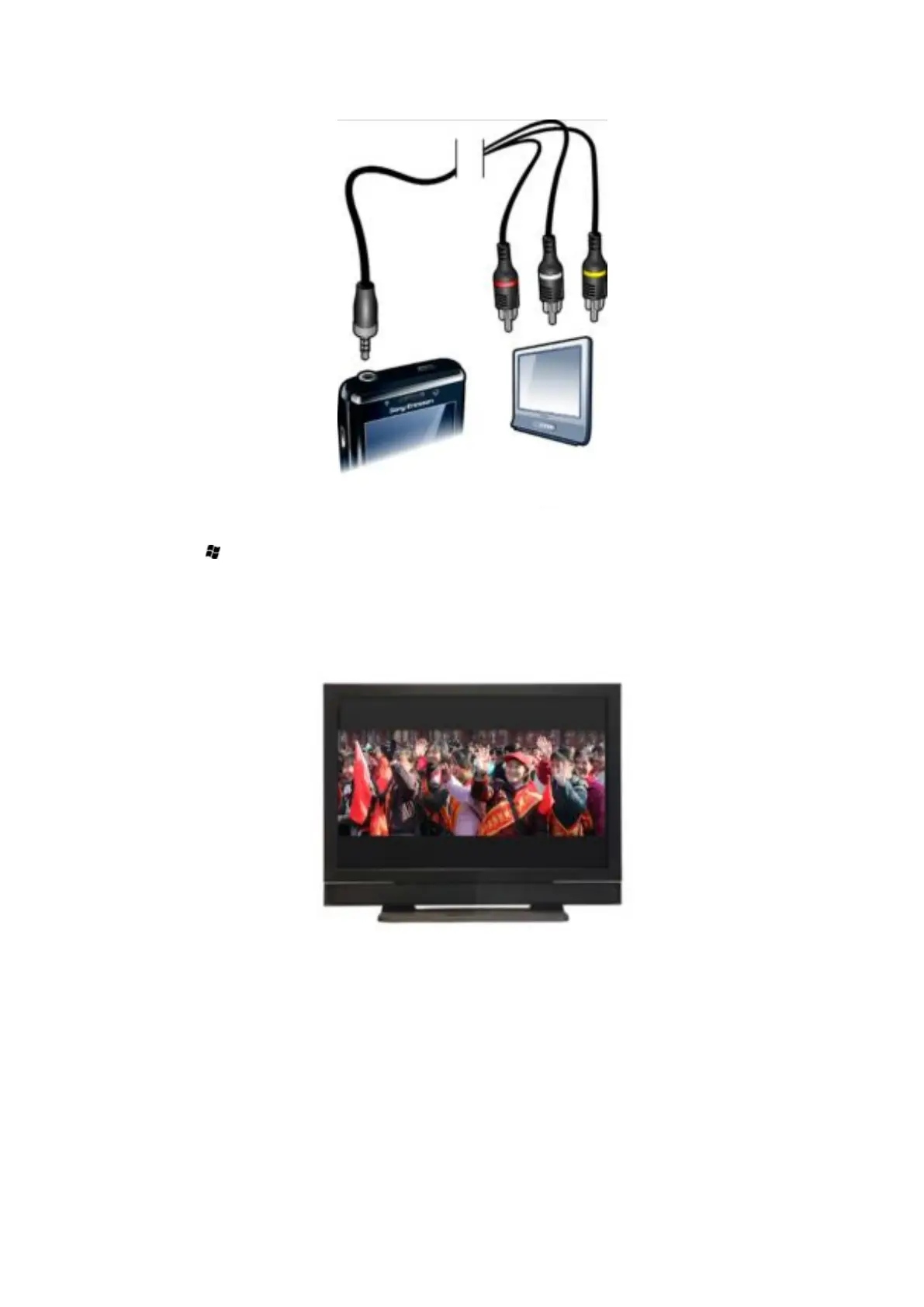
To view photos and videos on a TV
1
Connect the TV out cable to the phone and the TV.
2
Tap > Settings > Connections > Communication Manager.
3
Tap the TV Out check box.
4
Tap the file you want to show on the TV.
TV out view settings
Your phone's TV out function supports two display modes on external TV devices:
•
Scale mode: Output with an 800x480 pixel resolution is scaled to 640x384 pixels, with a
5:3 aspect ratio. The content displayed on the screen is framed by black bars on the top
and bottom.
84
This is an Internet version of this publication. © Print only for private use.










 To Next Page