84 Chapter 4 Viewfinder Screen Indications and Menus
Chapter 4 Viewfinder Screen Indications and Menus
Viewfinder Basic Menu
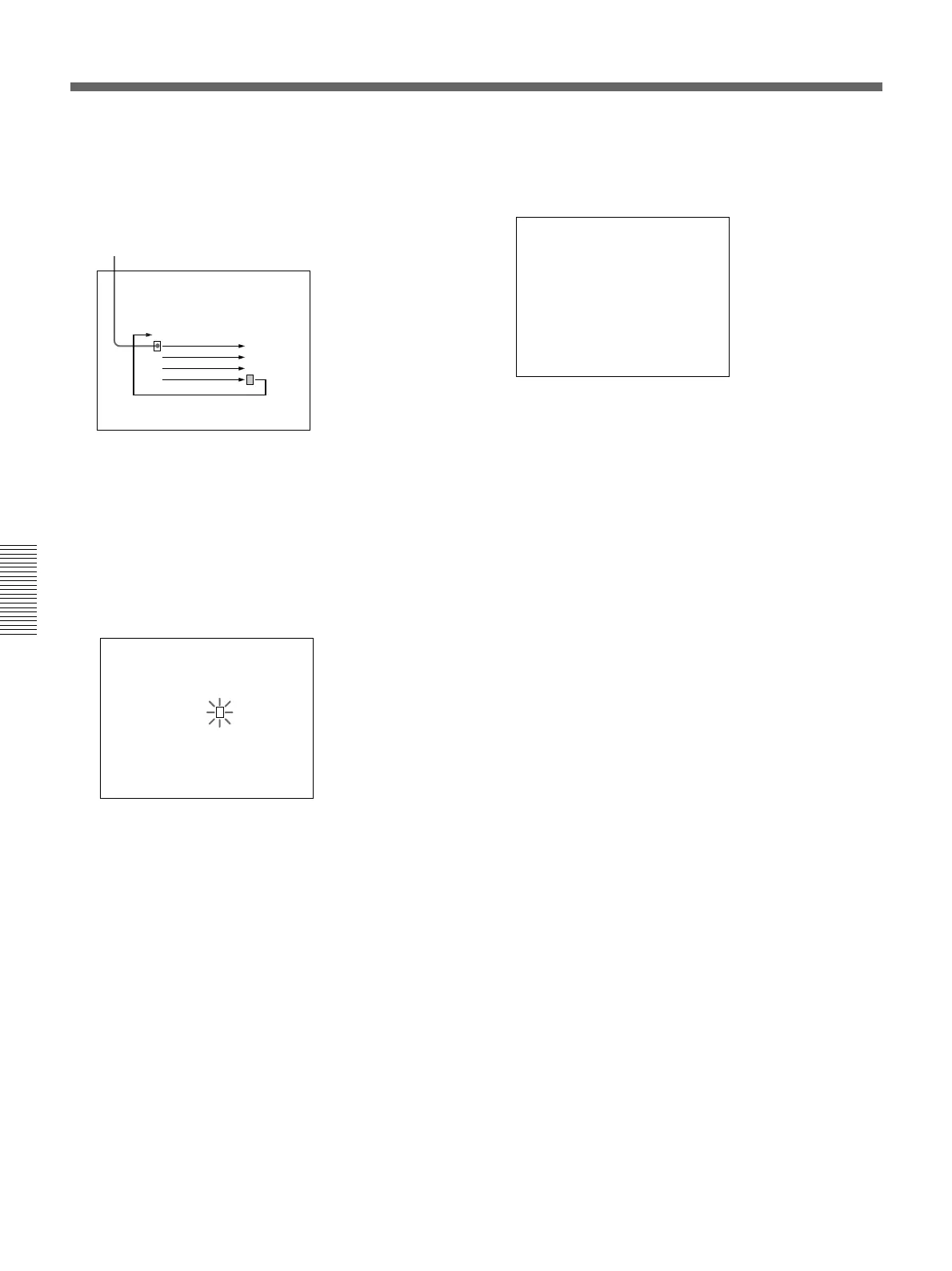
Initial cursor position
To record a title (basic menu page 9)
1 Access basic menu page 9 (title display).
2 Press the MENU dial once.
The title is superimposed to the picture displayed
on the viewfinder screen.
3 Start shooting.
4 To stop the title recording, press the MENU switch
or MENU dial to clear the title display.
3 Press the MENU dial.
This brings up the cursor on the screen, and
switches to cursor transport mode.
4 Turn the MENU dial to move the cursor to the
position where you wish to insert a character.
To reverse the direction, turn the dial in the
opposite direction.
5 Repeat steps 2 to 4 until the title is complete.
6 Align the cursor to EXIT and press the MENU
dial.
This displays basic menu page 8 again.
The title created is retained, even when you power
the camcorder off.
EXIT(
YES
m
PUSH
)
m
EXIT(
YES
m
PUSH
)
DSR-500
m
TITLE IND(
YES
m
PUSH
)






 To Next Page