55
Shooting images
Shooting images
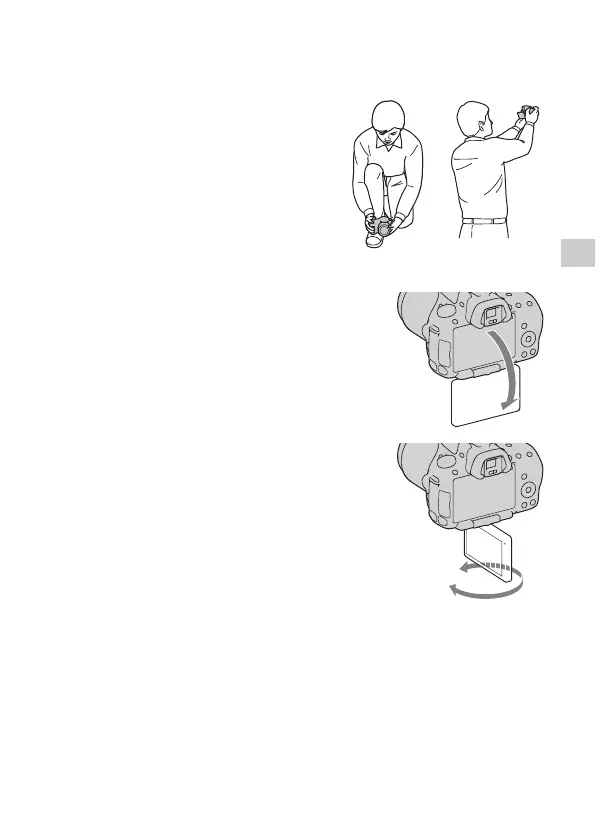
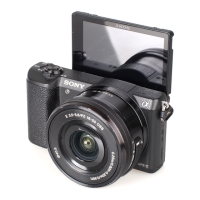
Adjusting the angle of the LCD monitor
You can adjust the angle of the LCD
monitor to meet various shooting
situations.
You can shoot from various shooting
positions.
Low position High position
Adjust the LCD monitor to an easily
viewable angle.
• The LCD monitor tilts 180 degrees.
• The LCD monitor can be rotated
leftward 270 degrees from the position
in which the LCD monitor is facing
forward as illustrated.
• When the LCD monitor is not used, it is
recommended that you close it with the
screen side facing to the camera.



 To Next Page