71
Shooting images
Shooting with program auto
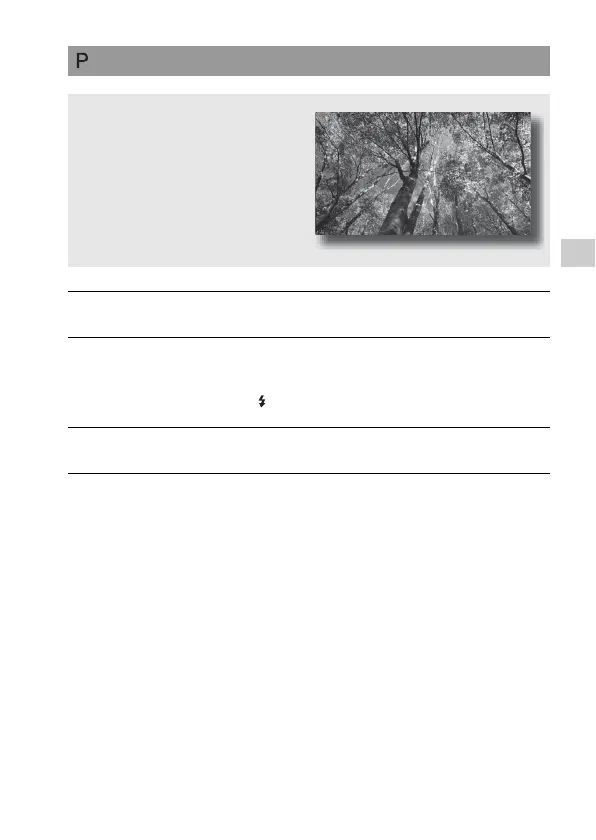
This mode is suitable for
z Using the automatic exposure, while
keeping the custom settings for ISO
sensitivity, Creative Style, D-Range
optimizer, etc.
1 Set the mode dial to P.
2 Set the shooting functions to your desired settings (pages 85 to
120).
• To fire the flash, press the button.
3 Adjust the focus and shoot the subject.



 To Next Page