1
2
3
4
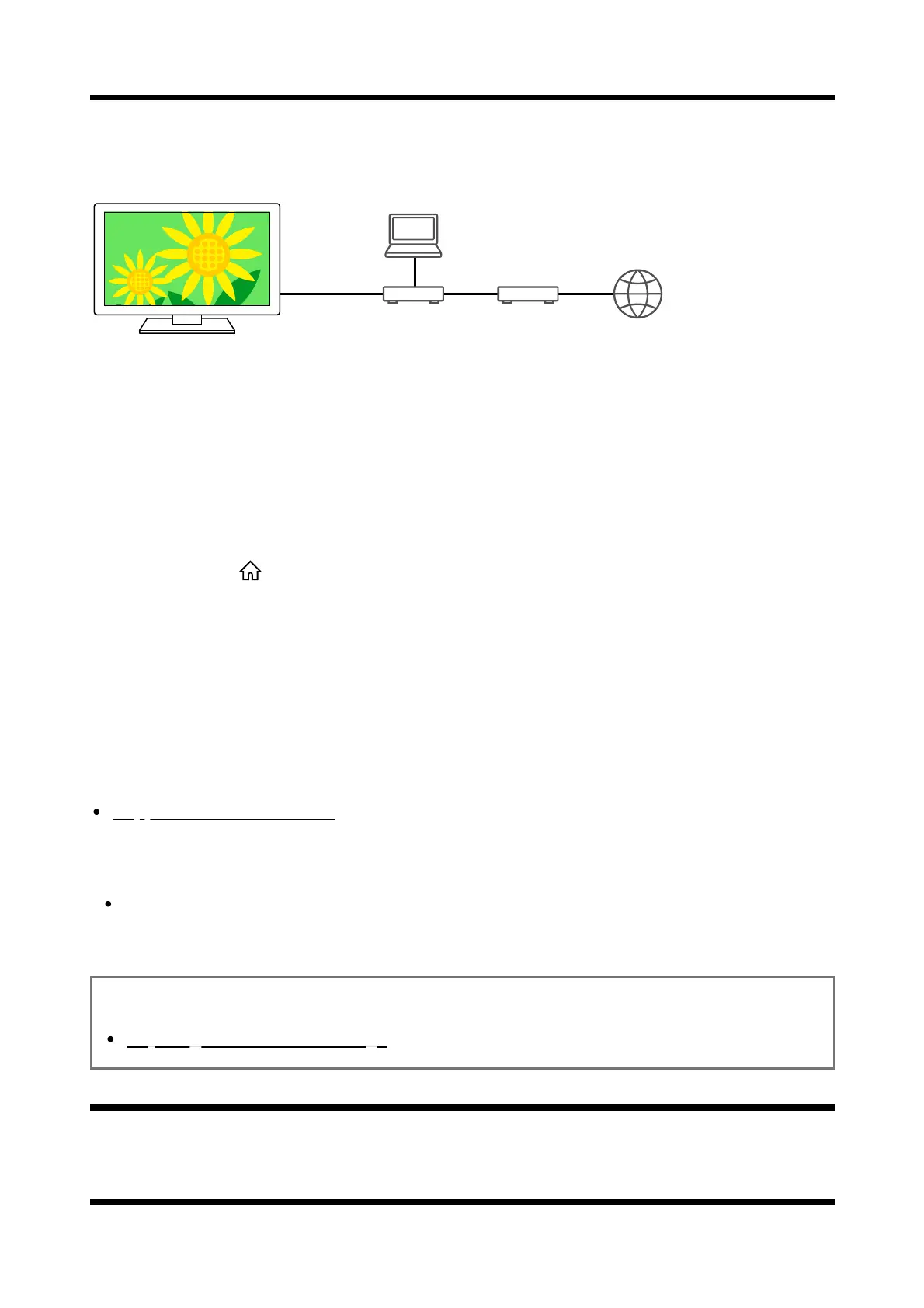
Playing content from a computer
You can enjoy content (photo/music/video files) stored on a network device located in another
room, if you connect the TV to a home network via a router.
(A) Computer (Server)
(B) Router
(C) Modem
(D) Internet
Connect the TV to your home network.
Press the (HOME) button, and select Apps from the Home menu, then
select [Media Player].
Select the network device name.
Select the folder, and then select the file to play.
To check the supported file formats
Supported files and formats
Note
Depending on the file, playback may not be possible even when using the supported
formats.
Related topics
Adjusting home network settings
[87] Home network features | Home network features
Playing content from a media server













 To Next Page