157
Movie recording setup
Movie recording setup
You can adjust the audio recording level by monitoring the level meter.
MENU button t 2 t [Audio Rec Level] t Select the
desired level with b/B on the multi-selector
+ side: The audio recording level is increased.
– side: The audio recording level is decreased.
Reset: To set the recording level to the default.
• We recommend that you use headphones to check the level when
adjusting the setting.
• Set a lower level to naturally capture continuous loud sound. To capture
quieter sound at an easy-to-hear level, increase this setting.
Notes
• The limiter is always working regardless of the Audio Rec Level setting.
• This function is available only when the exposure mode is set to Movie.
MENU button t 2 t [Audio Level Display] t Select the
desired setting
Audio Rec Level
Shooting techniques
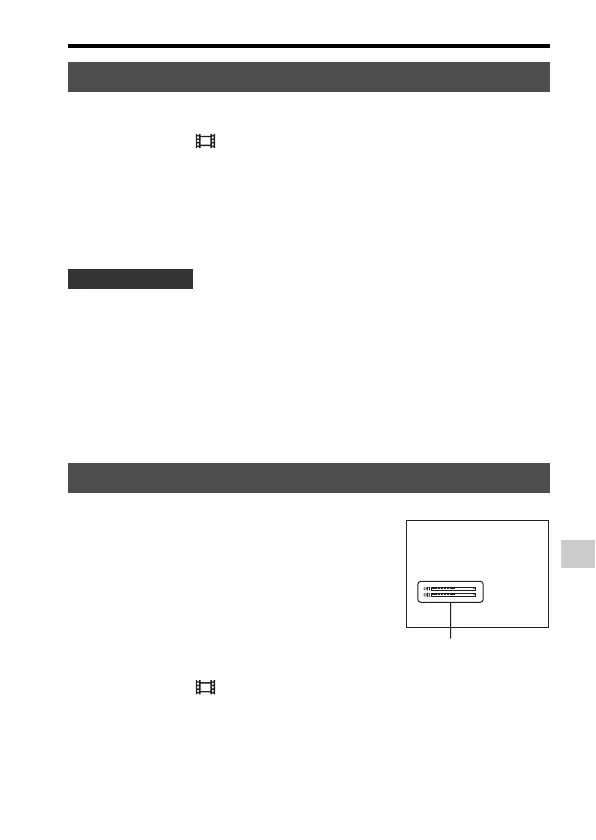
Audio Level Display
You can select whether or not to display
the audio level on the screen.
Audio level














 To Next Page