31
Functions that can be operated with the buttons/dial
Functions list
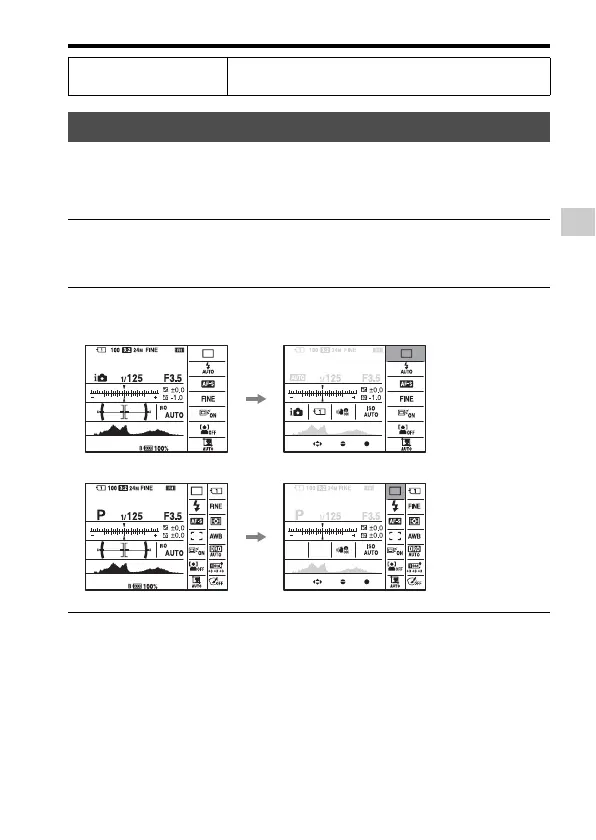
Using the Quick Navi screen, you can change settings directly on the
recording information display when the screen mode is set to [For
viewfinder] (Quick Navi).
Silent multi-controller
(32)
Adjusts the setting silently.
How to use the Quick Navi screen
1 Press the DISP button to set the screen mode to [For
viewfinder] (page 87).
2 Press the Fn button to switch to the Quick Navi screen.
In Auto Mode or Scene Selection mode
In Tele-zoom Cont. Priority AE/P/A/S/M/Sweep Panorama mode
3 Select the desired item with v/V/b/B on the multi-selector.














 To Next Page