67
Shooting and viewing images
Deleting images
Prior to deleting the image, be sure to make a copy or decide whether you
no longer wish to keep the image or not. Make a copy of any images you
may want to keep before deleting them from the camera
Note
• Protected images cannot be deleted.
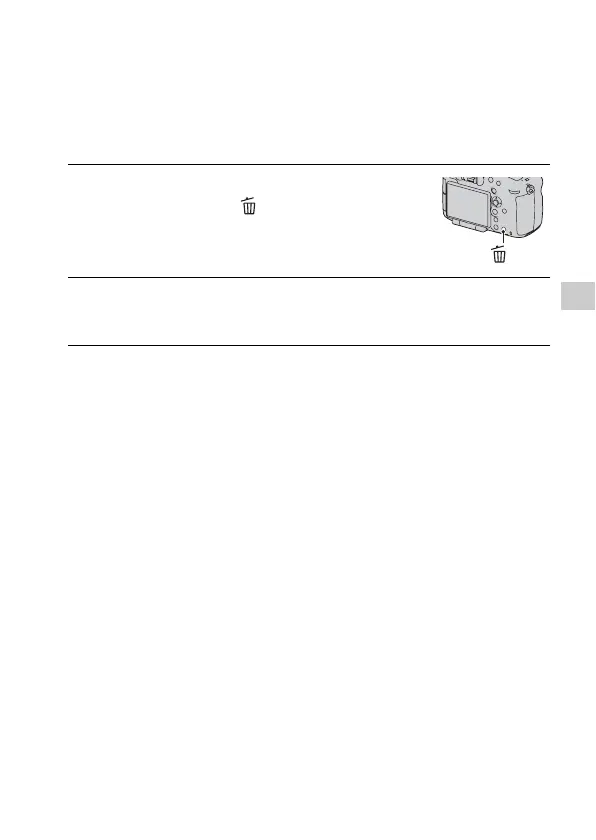
1 Display the image you want to
delete and press the button.
button
2 Select [Delete] with v on the multi-selector, then press the
center of the multi-selector.














 To Next Page