65
Shooting and viewing images
Recording movies
Notes
• The sound of the camera and the lens in operation may be recorded while recording a
movie. Using the silent multi-controller, you can reduce the sound of the dialing
operation for adjustments you need to make (page 33). You can disable sound
recording by setting [Audio Recording] to [Off] (page 159).
• The continuous recording time of a movie may be shorter, depending on the ambient
temperature or the status of the camera. See “Notes on continuous movie recording.”
• When the icon appears, the temperature of the camera is too high. Turn the
camera off and wait until the temperature of the camera drops.
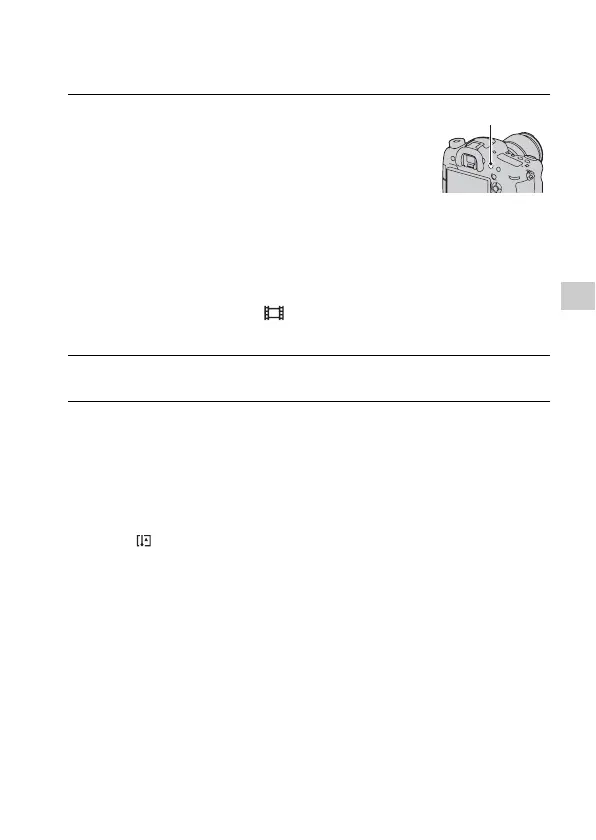
1 Press the MOVIE button to start
recording.
• Movie recording can be started from
any exposure mode.
• The camera continues to adjust the
focus using [Continuous AF] when it is
in autofocus mode (page 91).
• The shutter speed and aperture are
adjusted automatically. If you want to
set them to particular values, set them
after the mode dial is set to
(Movie) (page 153).
MOVIE button
2 Press the MOVIE button again to stop recording.














 To Next Page