87
Switching the recording information display
Switching the recording information display
Switching the recording information
display (DISP)
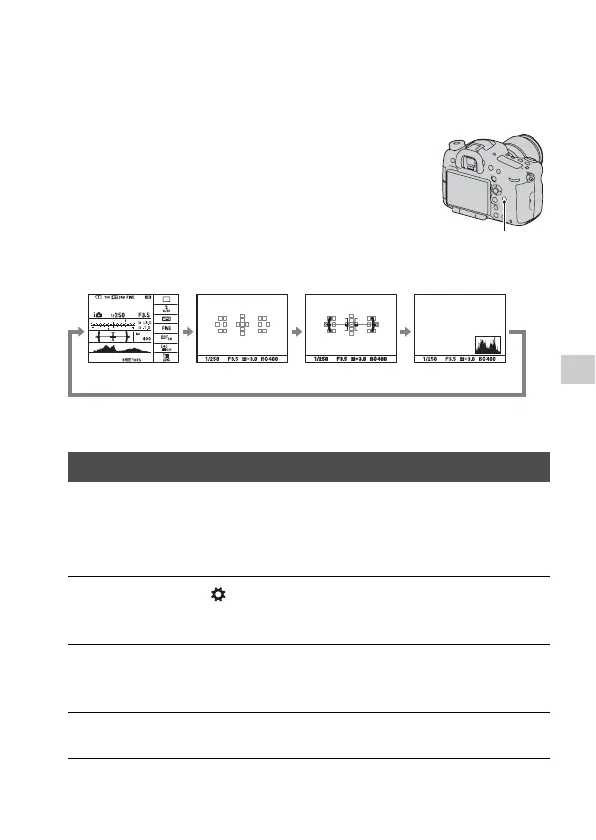
• You can display all the information on the screen or the Graphic Display
that shows the shutter speed and aperture value as graphs.
You can select the desired screen mode. When you switch the screen by
pressing the DISP button, only selected screens are displayed. You can set
the available screens to be displayed on the LCD screen and the viewfinder
separately.
Each time you press the DISP button, the
recording information display changes as
follows in the default settings.
DISP button
Selecting the screen mode
1 MENU button t 2 t [DISP Button(Monitor)] or [DISP
Button(Finder)]
2 Select the desired display with v/V/b/B on the multi-selector,
then press the center of the multi-selector.
3 Press the MENU button.
No Disp. Info. LevelFor viewfinder Histogram














 To Next Page