84
Selecting a shooting mode
BULB
This mode is suitable for
z Shooting trails of light, such as fireworks.
z Shooting trails of stars.
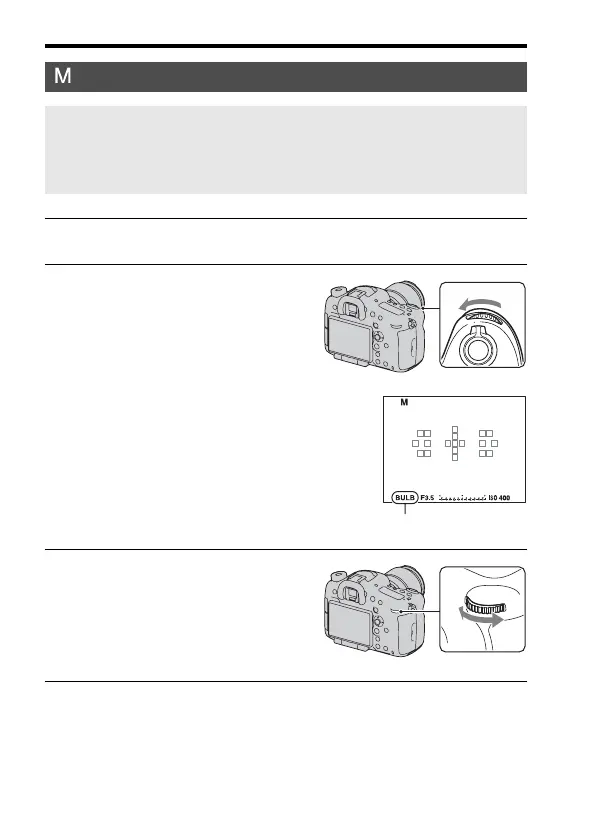
1 Set the mode dial to M.
2 Rotate the front control dial to the
left until [BULB] appears.
• Before shooting, set the ISO sensitivity
to other than [AUTO].
BULB
3 Rotate the rear control dial to
adjust the aperture (F-number).
4 Press the shutter button halfway down to adjust the focus.














 To Next Page