To apply the password
The specified password can be activated/deactivated independently for
each of the initial menu options and, with the BKM-2056 installed,
the auto setup option.
1 Preform steps 1 through 3 mentioned in "To change the
password."
2 By pressing the !} button and then ENT button, select the APPLY
PASSWORD option.
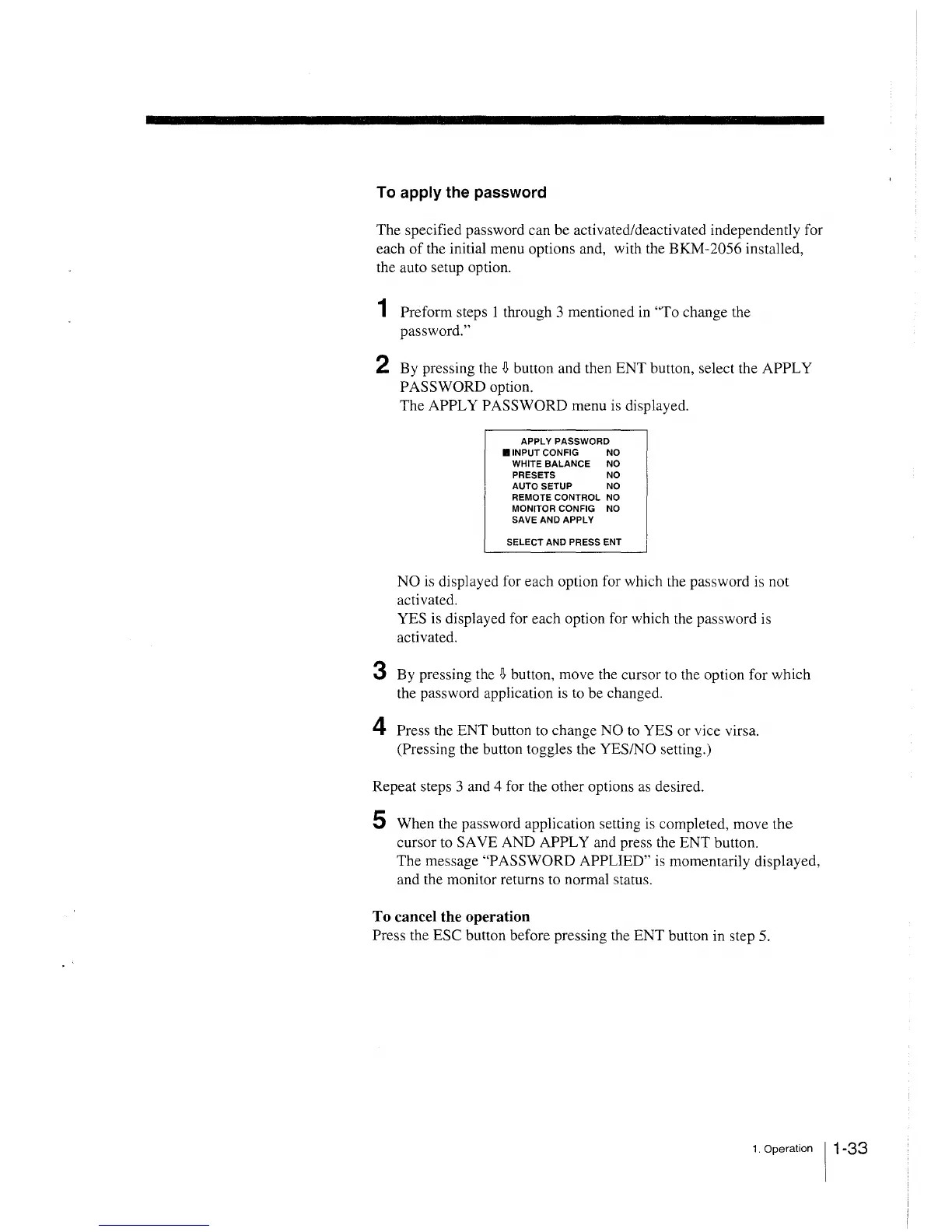
The APPLY PASSWORD menu is displayed.
APPLY PASSWORD
B INPUT CONFIG NO
WHITE BALANCE NO
PRESETS NO
AUTO SETUP NO
REMOTE CONTROL NO
MONITOR CONFIG NO
SAVE AND APPLY
SELECT AND PRESS ENT
NO is displayed for each option for which the password is not
activated.
YES is displayed for each option for which the password is
activated.
3 By pressing the !} button, move the cursor to the option for which
the password application is to be changed.
4 Press the ENT button to change NO to YES or vice virsa.
(Pressing the button toggles the YES/NO setting.)
Repeat steps 3 and 4 for the other options as desired.
5 When the password application setting is completed, move the
cursor to SA VE AND APPLY and press the ENT button.
The message "PASSWORD APPLIED" is momentarily displayed,
and the monitor returns to normal status.
To cancel the operation
Press the ESC button before pressing the ENT button in step 5.
1. Operation 11 -33







 To Next Page