To specify the installed optional boards
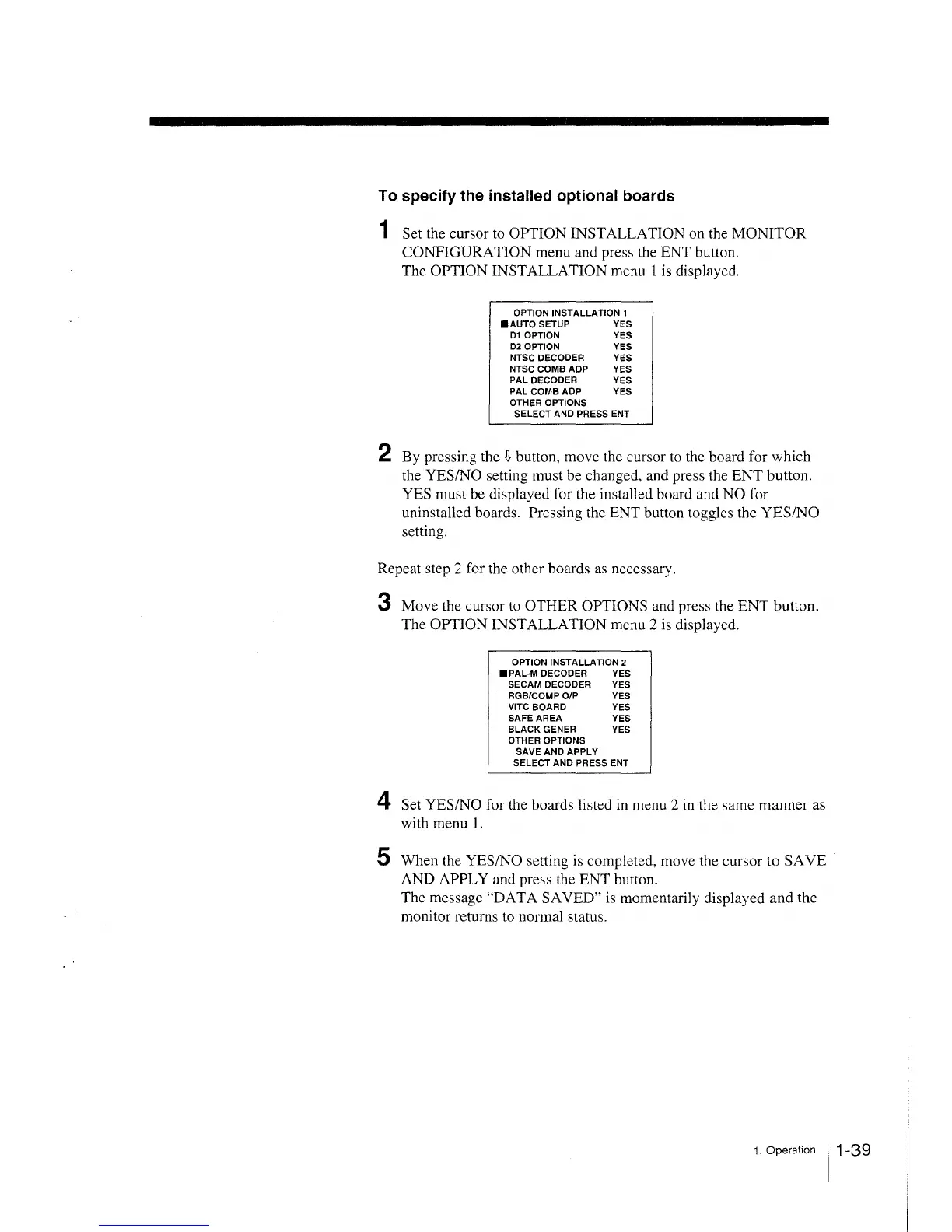
1 Set the cursor to OPTION INSTALLATION on the MONITOR
CONFIGURATION menu and press the ENT button.
The OPTION INSTALLATION menu 1 is displayed.
OPTION INSTALLATION 1
.AUTO SETUP YES
D1 OPTION YES
D2 OPTION YES
NTSC DECODER YES
NTSC COMB ADP YES
PAL DECODER YES
PAL COMB ADP YES
OTHER OPTIONS
SELECT AND PRESS ENT
2 By pressing the
~
button, move the cursor to the board for which
the YES/NO setting must be changed, and press the ENT button.
YES must be displayed for the installed board and NO for
uninstalled boards. Pressing the ENT button toggles the YES/NO
setting.
Repeat step 2 for the other boards as necessary.
3 Move the cursor to OTHER OPTIONS and press the ENT button.
The OPTION INSTALLATION menu 2 is displayed.
OPTION INSTALLATION 2
•PAL·M DECODER YES
SECAM DECODER YES
RGB/COMP O/P YES
VITC BOARD YES
SAFE AREA YES
BLACK GENER YES
OTHER OPTIONS
SAVE AND APPLY
SELECT AND PRESS ENT
4 Set YES/NO for the boards listed in menu 2 in the same manner as
with menu 1.
5 When the YES/NO setting is completed, move the cursor to SA VE
AND APPLY and press the ENT button.
The message "DAT A SAVED" is momentarily displayed and the
monitor returns to normal status.
1. Operation 11-39







 To Next Page