C:
0
~
Q)
Cl.
0
Section 1 Operation
1 -40 11. Operation
To specify the system in which 0-1 signals are to be
received
Before starting the following procedure, set DI OPTION of the above
OPTION INSTALLATION menu I to YES.
1 Move the cursor with the i} button to DI CONFIGURATION on
the MONITOR CONFIGURATION menu and press the ENT
button.
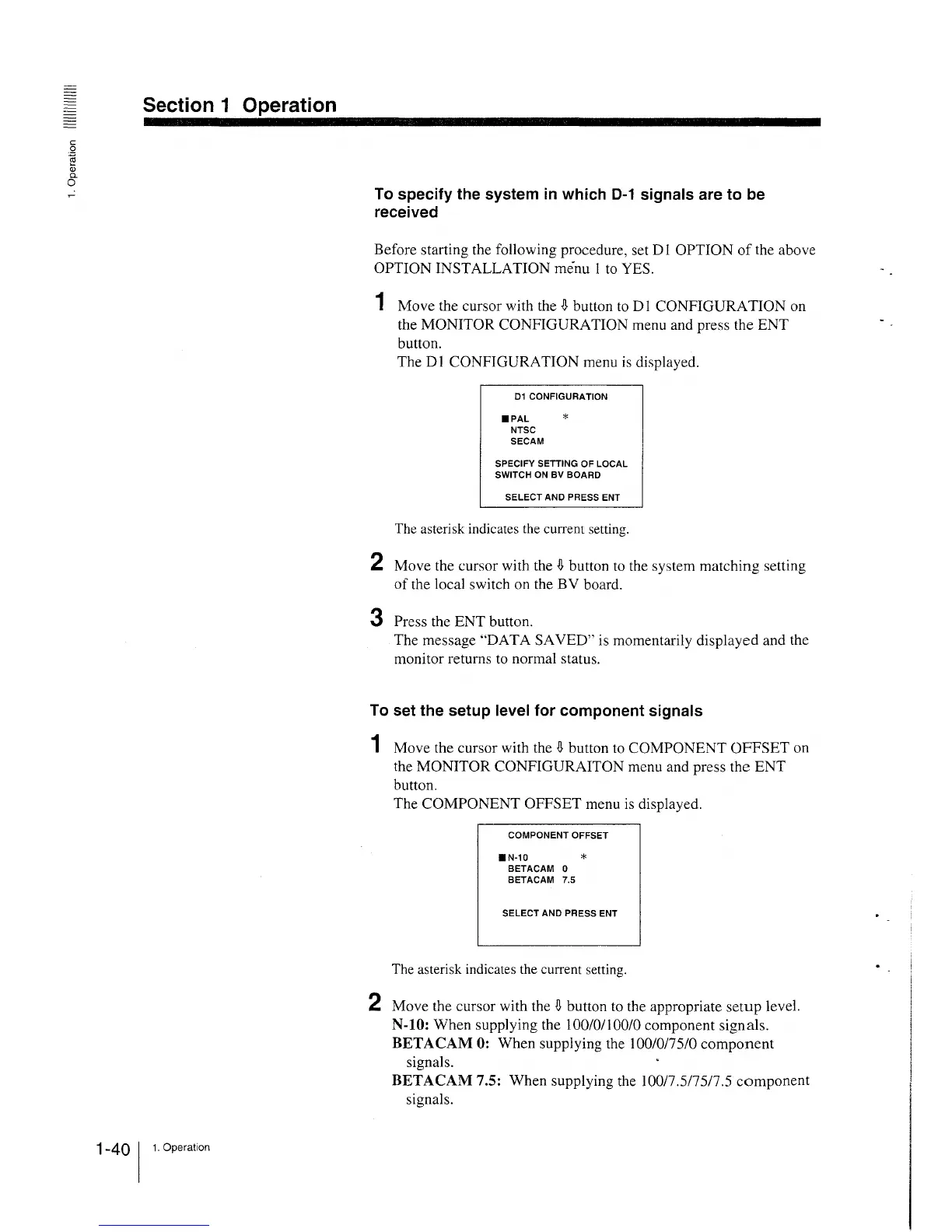
The DI CONFIGURATION menu is displayed.
01 CONFIGURATION
•PAL *
NTSC
SECAM
SPECIFY SETTING OF LOCAL
SWITCH ON BV BOARD
SELECT AND PRESS ENT
The asterisk indicates the current setting.
2 Move the cursor with the i} button to the system matching setting
of the local switch on the BV board.
3 Press the ENT button.
The message "DAT A SAVED" is momentarily displayed and the
monitor returns to normal status.
To set the setup level for component signals
1 Move the cursor with the i} button to COMPONENT OFFSET on
the MONITOR CONFIGURAITON menu and press the ENT
button.
The COMPONENT OFFSET menu is displayed.
COMPONENT OFFSET
•N-10 *
BETACAM 0
BETACAM 7.5
SELECT AND PRESS ENT
The asterisk indicates the current setting.
2 Move the cursor with the i} button to the appropriate setup level.
N-10: When supplying the 100/0/100/0 component signals.
BETACAM 0: When supplying the 100/0/75/0 component
signals.
BETACAM 7.5: When supplying the 100/7.5/75/7.5 component
signals.







 To Next Page