3 Press the ENT button.
The message "DAT A SAVED" is momentarily displayed and the
monitor returns to normal status.
To set the setup level of NTSC signals
1 Move the cursor with the
~
button to NTSC OFFSET on the
MONITOR CONFIGURATION menu and press the ENT button.
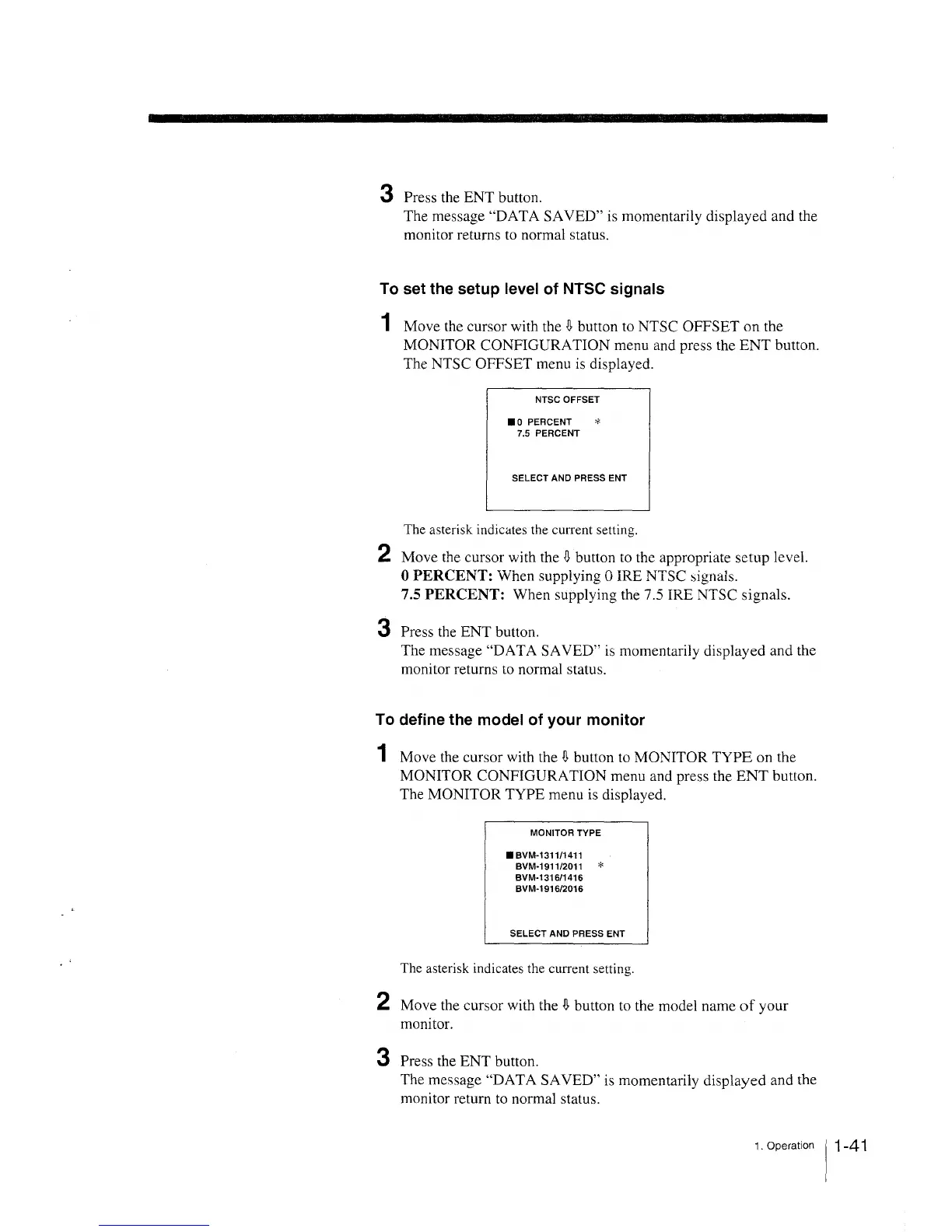
The NTSC OFFSET menu is displayed.
NTSC OFFSET
•o PERCENT *
7.5 PERCENT
SELECT AND PRESS ENT
The asterisk indic<1tes the current setting.
2 Move the cursor with the
~
button to the appropriate setup level.
0 PERCENT: When supplying O IRE NTSC signals.
7.5 PERCENT: When supplying the 7.5 IRE NTSC signals.
3 Press the ENT button.
The message "DAT A SAVED" is momentarily displayed and the
monitor returns to normal status.
To define the model of your monitor
1 Move the cursor with the l\ button to MONITOR TYPE on the
MONITOR CONFIGURATION menu and press the ENT button.
The MONITOR TYPE menu is displayed.
MONITOR TYPE
•svM-131111411
BVM-1911/2011 *
BVM-1316/1416
BVM-1916/2016
SELECT AND PRESS ENT
The asterisk indicates the current setting.
2 Move the cursor with the l\ button to the model name of your
monitor.
3 Press the ENT button.
The message "DAT A SAVED" is momentarily displayed and the
monitor return to normal status.
1 . Operation 11 -4 1







 To Next Page