C
0
'@
m
Cl.
0
Section 1 Operation
1 -42 11. Operation
To restore the factory setup
1 Move the cursor with the~ button to RESTORE FACTORY
SETUP in the MONITOR CONFIGURAITION menu and press
the ENT button.
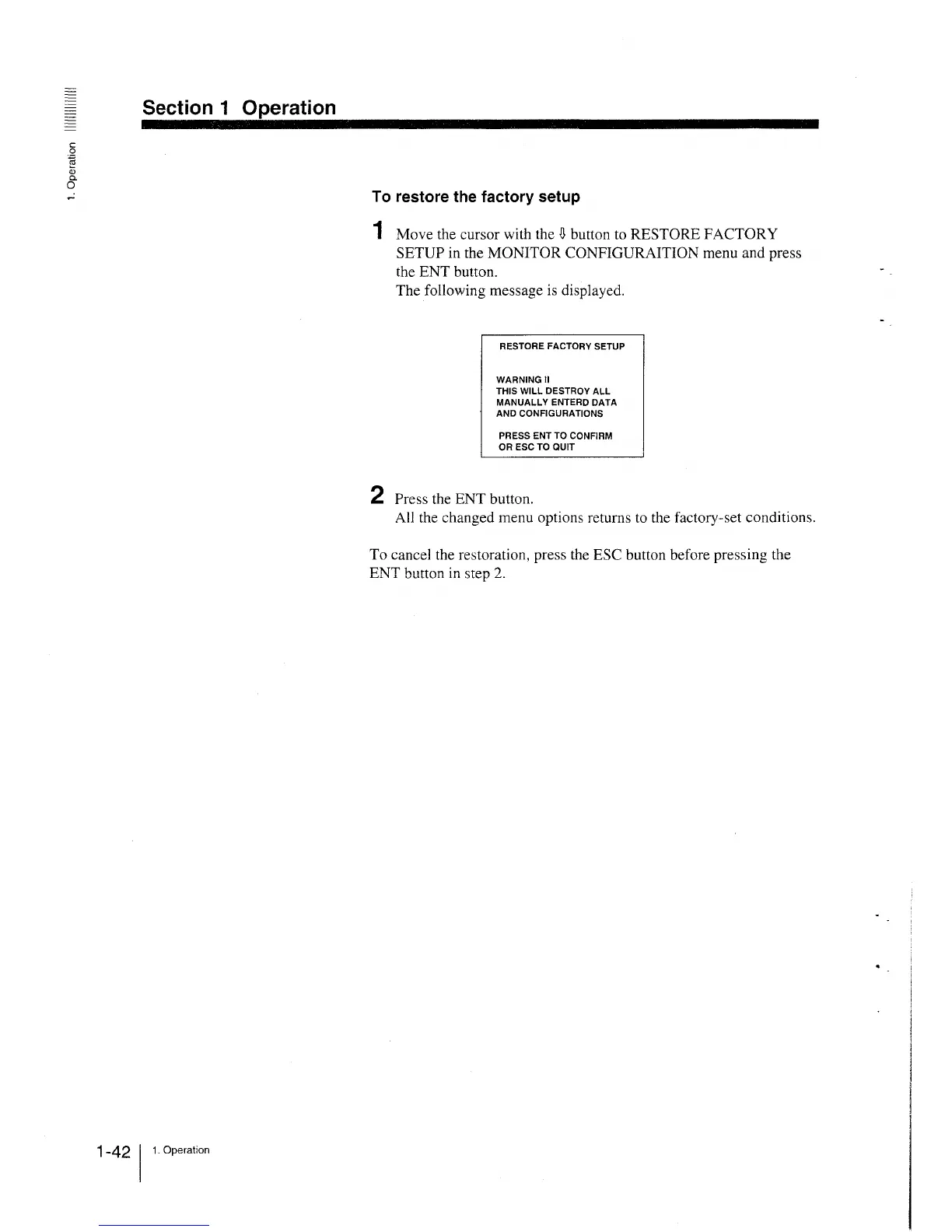
The following message is displayed.
RESTORE FACTORY SETUP
WARNING II
THIS WILL DESTROY ALL
MANUALLY ENTERD DATA
AND CONFIGURATIONS
PRESS ENT TO CONFIRM
OR ESC TO QUIT
2 Press the ENT button.
All the changed menu options returns to the factory-set conditions.
To cancel the restoration, press the ESC button before pressing the
ENT button in step 2.







 To Next Page