44 (E)
Chapter 2 Menu
[G] ALIGNMENT menu
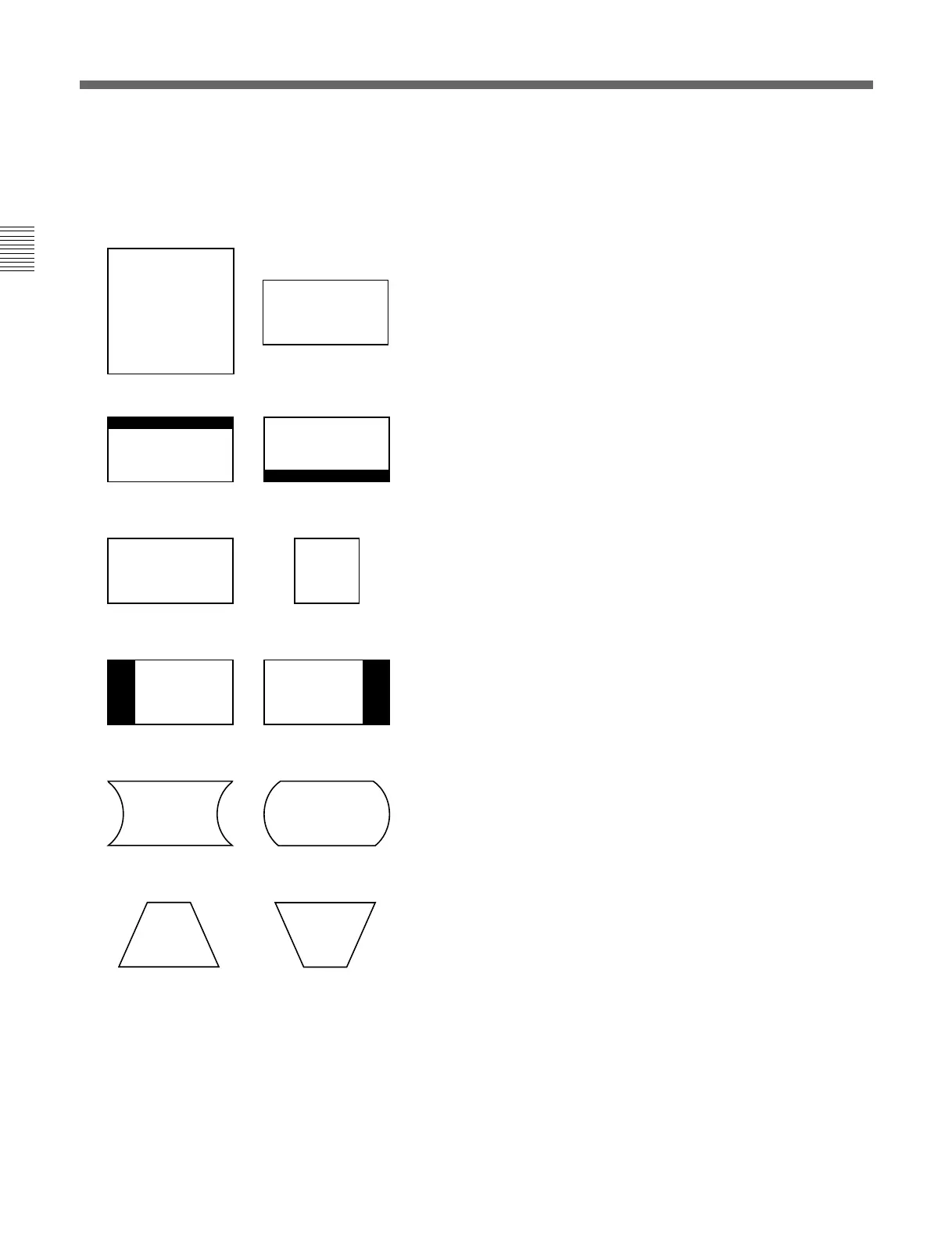
Adjust the position, size or geometry of the picture
with the UP and DOWN buttons or PHASE knob.
V SIZE: Adjust the height of the picture.
V CENTER: Adjust the vertical picture position.
H SIZE: Adjust the width of the picture.
H PHASE: Adjust the horizontal picture position.
H PIN: Correct side pincushion distortion.
H KEY: Correct trapezoid distortion.
(continued)
G Adjusting the Position, Size and Geometry of the Picture — ALIGNMENT Menu






 To Next Page