13
MECHANISM DECK CHECK MODE
For the mechanism deck check mode, two modes of disc table mode and loading mode are available.
In the mechanism deck check mode, the disc table turning time and the loading time in each section are measured and displayed.
1. Disc table mode:
Press the [POWER] switch while pressing [CHECK], [ OPEN/CLOSE] and [REPEAT] buttons simultaneously.
Loading mode:
Press the [POWER] switch while pressing [CHECK], [ OPEN/CLOSE] and [TIME] buttons simultaneously.
A
A
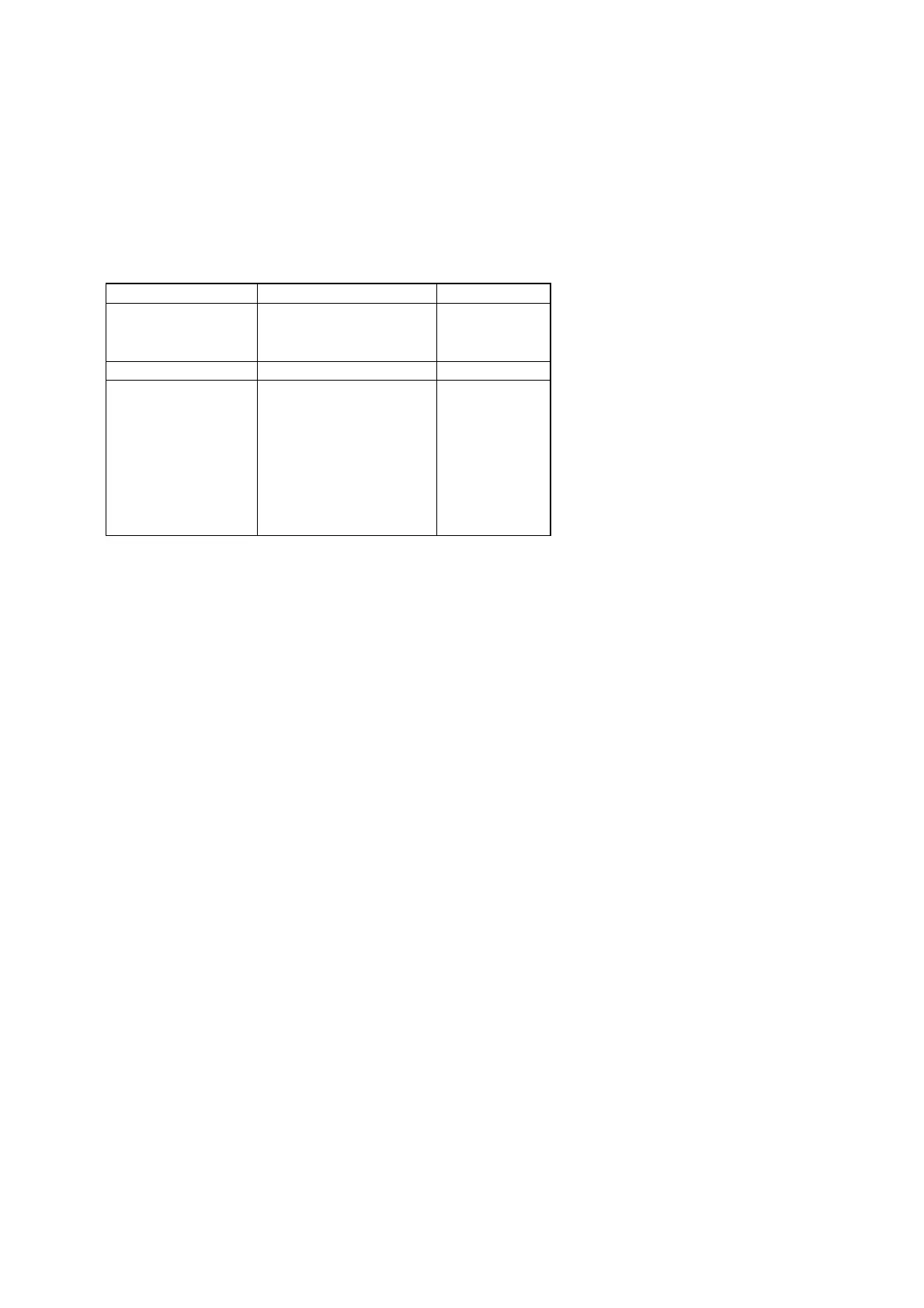
Display contents
Mode Check command Display
Disc table mode 0: Right one turn r 12.5
Table turning 1: Left one Turn L 10.2
(
time measurement
)
2: Measurement end r 12.5
3: Undefined
4: Star position Sta – –.–
5: Open → Close CLo 10.2
6: Close → BU up UP 0.7
Table mode
7: BU up → EX open EoP 6.2
Loading time
8: EX open → EX close ECL 10.3
(
measurement
)
9: EX close → BU down don 1.2
A: BU down → Open oPn 9.3
FF: Measurement end CLo 10.2



 To Next Page