15
Getting Started
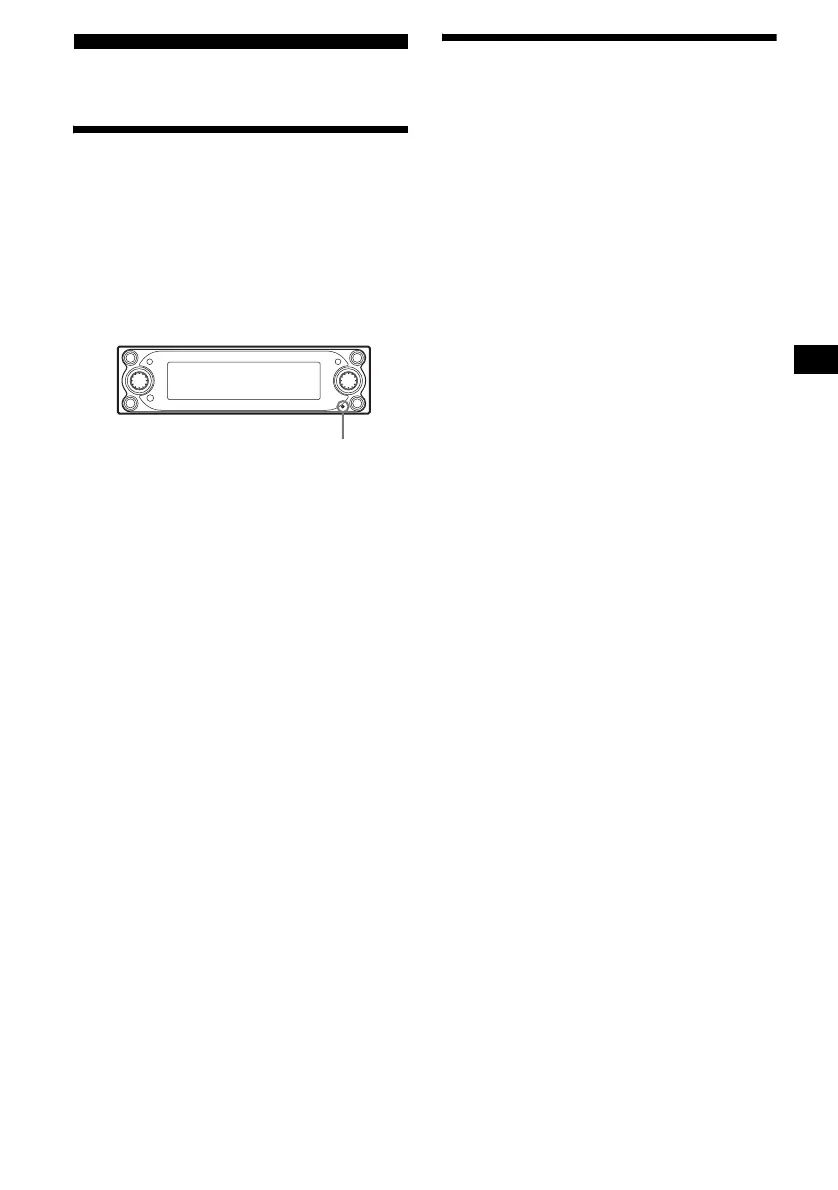
Resetting the unit
Before operating the unit for the first time, or
after replacing the car battery or changing the
connections, you must reset the unit.
Press the reset button with a pointed object, such
as a ballpoint pen.
After pressing the reset button, the start-up image
appears and the demonstration starts
automatically.
Note
Pressing the reset button will erase some stored
contents such as the clock/calender settings in the
memory of the unit.
Tips
• During the demonstration display, you can adjust the
brightness of the display in 11 steps (from 0 to 10)
by rotating the R dial.
• You can change the start-up image. For details, see
“Selecting the start-up image” on page 34.
Setting the clock and the
calendar
— Clock
The clock uses a 24-hour digital indication.
1 Press (MENU).
2 Press < or , repeatedly to select
“Setup,” then press (ENTER).
3 Press < or , repeatedly to select
“Clock,” then press (ENTER).
4 Set the date and time.
1 Press M or m repeatedly to select
the day, then press (ENTER).
2 Follow the step 1 to set the month,
the year, hour and minute.
The confirmation display appears after
setting the minute, then press (ENTER).
5 Press < or , to select “YES,” then
press (ENTER).
“Complete” appears, and the display returns
to the main menu.
6 Press (MENU).
The display returns to the normal display.
Note
If your car has no ACC position, turn on the unit first,
then set the clock and the calendar.
Tip
You can set the year from 2004 to 2099.
Reset button




 To Next Page