28
Image Settings
The setting items available in the menu differ
depending on the selected display pattern.
For details on the display patterns, see “Selecting
the display mode and display pattern” on
page 13.
Selecting the face pattern
— Skin
You can select the face pattern for displaying
information on playback/radio reception.
Positions of display items differ depending on
face patterns.
1 Press (MENU).
2 Press < or , repeatedly to select
“Display,” then press (ENTER).
3 Press < or , repeatedly to select
“Skin,” then press (ENTER).
4 Press < or , repeatedly to select the
desired pattern, then press (ENTER).
5 Press (MENU).
The display returns to the normal display.
Tip
For details on the display items, see “Display items” on
page 17, 21 and 24.
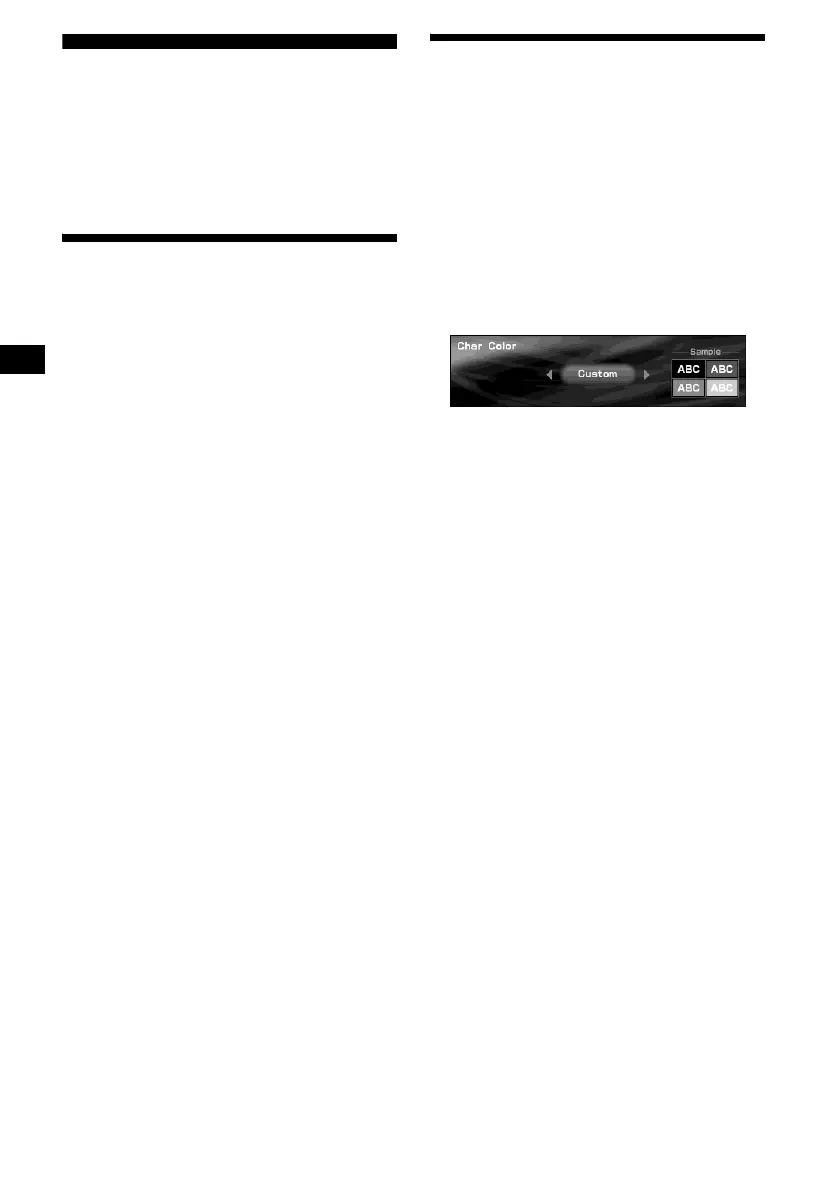
Setting the character colour
— Char Color
You can select a character colour to contrast
against background images.
Selecting the character colour
1 Press (MENU).
2 Press < or , repeatedly to select
“Display,” then press (ENTER).
3 Press < or , repeatedly to select
“Char Color,” then press (ENTER).
4 Press < or , repeatedly to select the
desired colour, then press (ENTER).
Each time you press < or ,, the colour
changes as follows:
White y Green y Pink y Yellow y
Purple y Black y Custom y Blue y
White
5 Press (MENU).
The display returns to the normal display.





 To Next Page