31
Selecting the images to be displayed
You can select:
• USER – to display user stored images in
sequence.
• ALL – to display pre-stored/user stored images
in sequence.
1 Press (MENU).
2 Press < or , repeatedly to select
“Display,” then press (ENTER).
3 Press < or , repeatedly to select
“Wallpaper,” then press (ENTER).
4 Press < or , repeatedly to select
“Arrange,” then press (ENTER).
5 Press < or , repeatedly to select
“USER” or “ALL,” then press (ENTER).
6 Press (MENU).
The display returns to the normal display.
Note
“Arrange” in the menu can not be selected when no
user images are stored.
Setting a panorama image
— Panorama
You can select a panorama image as a wallpaper
which scrolls automatically.
1 Press (MENU).
2 Press < or , repeatedly to select
“Display,” then press (ENTER).
3 Press < or , repeatedly to select
“Panorama,” then press (ENTER).
4 Press < or , repeatedly to select the
desired image, then press (ENTER).
5 Press (MENU).
The display returns to the normal display.
Note
Panorama size images cannot be stored. Only pre-
stored panorama images are available.
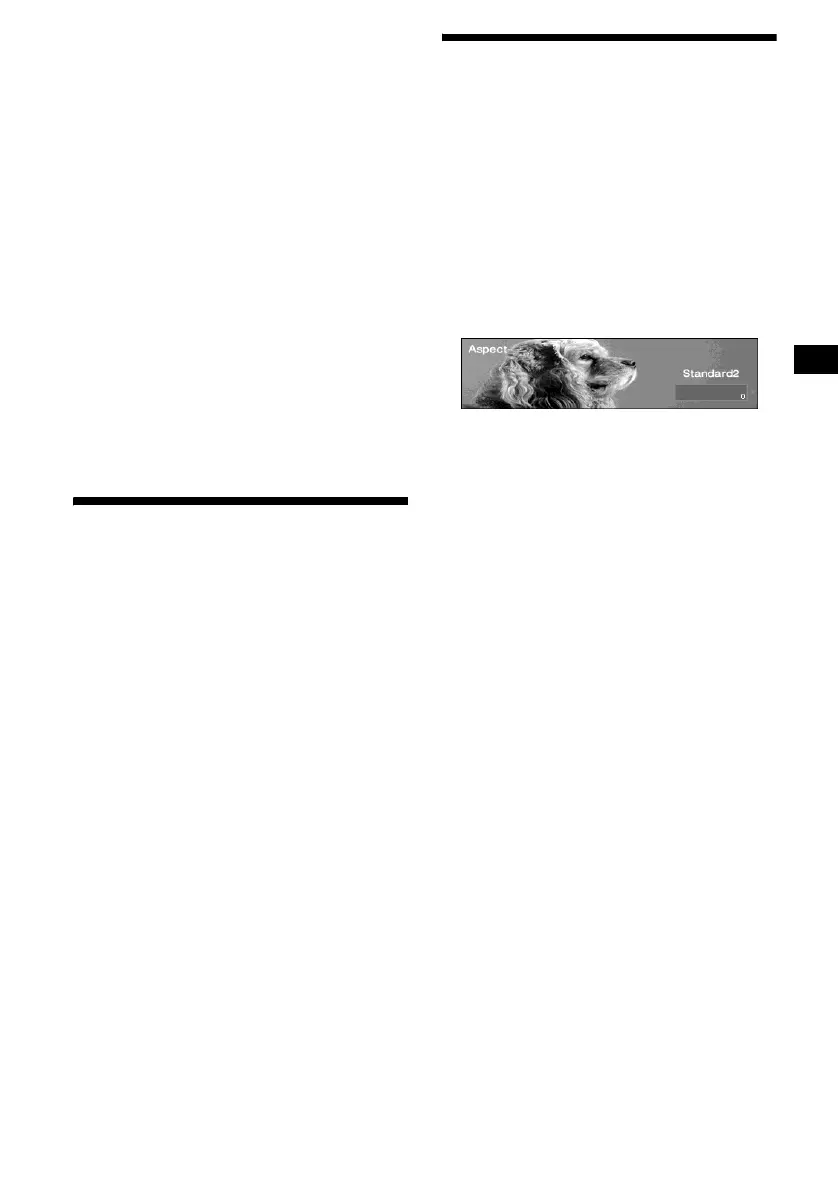
Selecting the aspect ratio
— Aspect
You can deform or clip out images to fit the
screen size with the aspect ratio selected.
1 Press (MENU).
2 Press < or , repeatedly to select
“Display,” then press (ENTER).
3 Press < or , repeatedly to select
“Aspect,” then press (ENTER).
4 Press < or , repeatedly to select the
desired image mode.
Each time you press < or ,, the image
type changes as follows:
When “Video full” or “Video & Spectrum
Analyser” is selected.
Standard2 y Standard1 y Wide2 y
Wide1 y Cinema2 y Cinema1
When “Video & Capture” or “Video &
Slideshow” is selected.
Standard3 y Wide3 y Cinema3
To adjust the image position
Cinema and Wide type images can be scrolled
up or down by pressing M or m.
5 Press (MENU).
The display returns to the normal display.
Note
Depending on the selected image mode (aspect ratio),
display characters may not be displayed correctly.
continue to next page t




 To Next Page