43
* The default setting
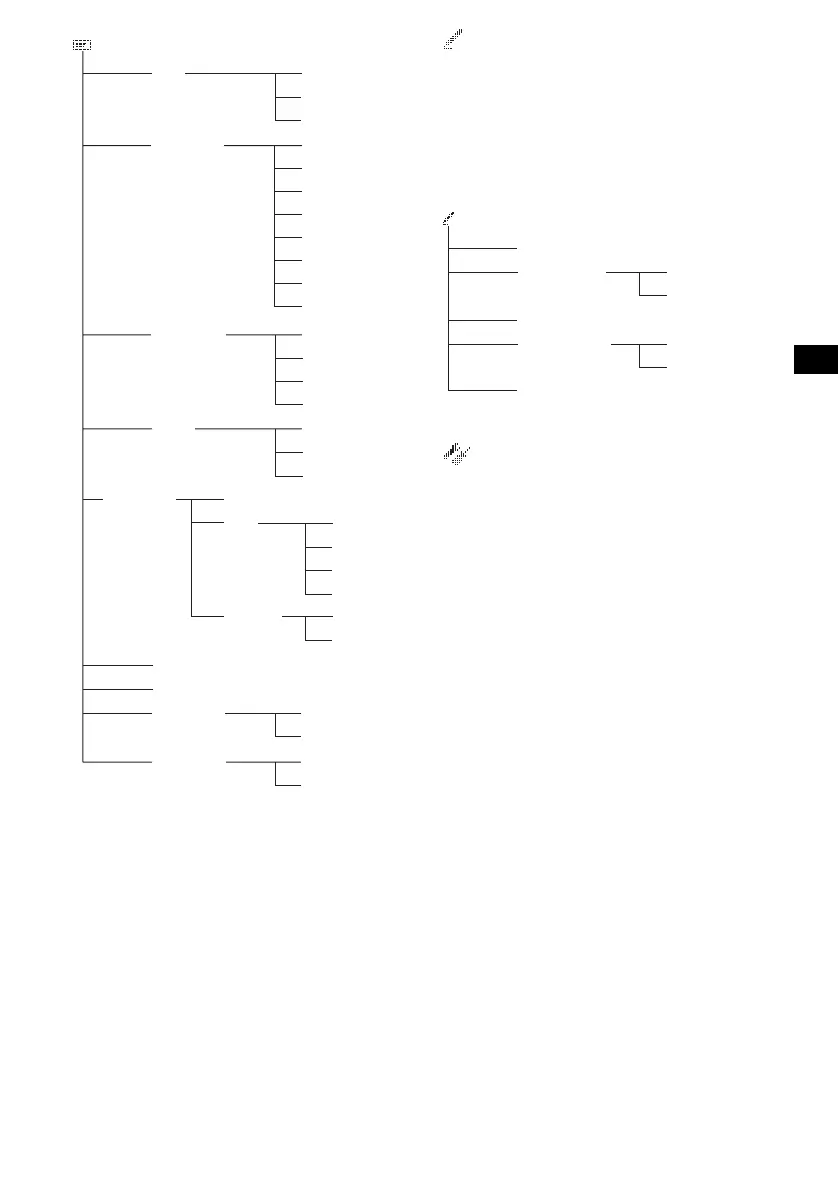
Edit menu
• Name Edit - assigns names to discs (page 19).
• Name Delete - deletes the disc name assigned
(page 20).
• Opening - selects the image as the start-up
screen (page 34).
• Picture Delete - deletes the stored image
(page 34).
• BTM - stores stations automatically (page 21).
* The default setting
Setup menu
• Clock - sets the clock and the calender
(page 15).
• Contrast - adjusts the contrast of the display.
• Security - sets or cancels the security code
(page 41).
• Initialize - restores the factory preset condition
(page 41).
• Dimmer - adjusts the brightness of the display.
– Select “AUTO” to dim the display only when
you turn the headlights on.
– Select “ON” to dim the display.
– Select “OFF” to restore the brightness.
• Beep - turns the beep on or off.
• Video - changes the colour system to PAL or
NTSC.
• Commander - changes the operative directions
of the rotary commander.
– Select “Normal” to use the rotary commander
as the factory-set position.
– Select “Reverse” when you mount the rotary
commander on the right side of the steering
column.
• CT - sets the clock automatically (page 27).
Display
Char Color
OFF*
Custom
Blue
FAST
Auto Image
1*
Panorama
Aspect
2
3
MIDDLE
SLOW
Select
White*
Green
Pink
Yellow
Purple
Black
Auto Clear ON
Auto Scroll
Skin 1*
2
3
ON
Effect
Auto FAST
OFF*
ALL*
Wallpaper
Arrange
OFF*
MIDDLE
SLOW
OFF*
USER
continue to next page t
Select
ALL*
Edit
Name Edit
Name Delete
Opening
Picture Delete
BTM
Select
ALL*





 To Next Page