48
Recording TV programs using the timer
To stop recording
To stop the DVD-VCR while recording, press SELECT VIDEO and then press
x STOP.
Daily/weekly recording
In step 2 above, press v to select the recording pattern. Each time you press v, the
indication changes as shown below. Press V to change the indication in reverse order.
Mo~Fr t Sun’s t Mon’s t ..... t Sat’s t 1 month later t (dates count down)
t the current date
2
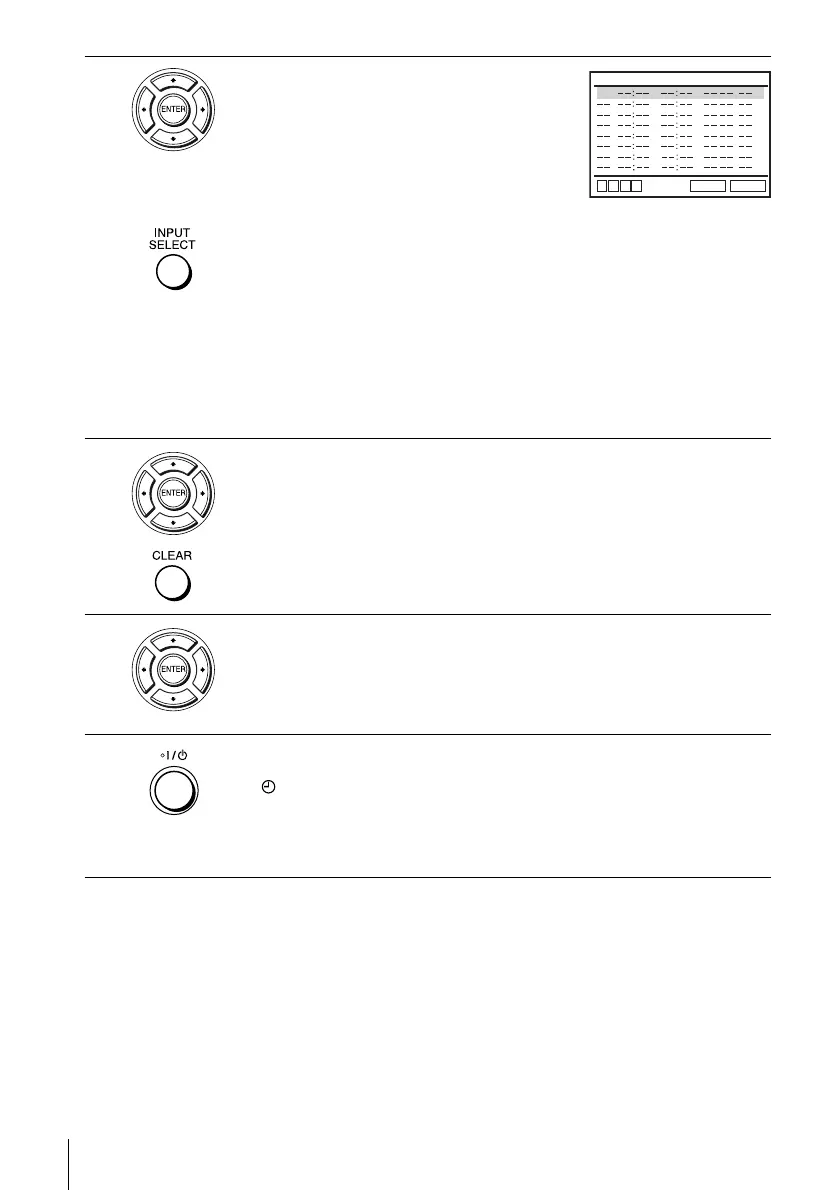
Set the channel number, start and stop times,
date, and tape speed:
1 Press b to select each item in turn.
2 Press V/v to set each item.
To correct a setting, press B to return to that
setting and reset.
• To record from a source connected to the
LINE IN 1 or LINE-2 IN jacks, press INPUT SELECT or V/v to display
“L1 ” or “L2” in the “CH” position.
• To record the same program every day or the same day every week, press
v while the date is flashing. For details, see “Daily/weekly recording” on
page 48.
• To use the Auto Tape Speed function, press v to display “Auto” in the
“SPEED” position. For details, see “To use the Auto Tape Speed
function” on page 49.
3
Press ENTER to confirm the setting.
To enter another setting, press V/v to select the next row and repeat step 2.
Press CLEAR repeatedly to cancel the setting.
4
Press ENTER to confirm all settings.
5
Press ?/1 to turn off the DVD-VCR.
The indicator appears in the display window and the VCR stands by for
recording.
To record from a decoder or other source, leave the connected equipment
switched on.
CH START END DATE
RETURN
SPEED
v
V
b
B
35
CLEAR















 To Next Page