51
Recording TV programs using the Dial Timer (SLV-D550P only)
Basic Operations
3
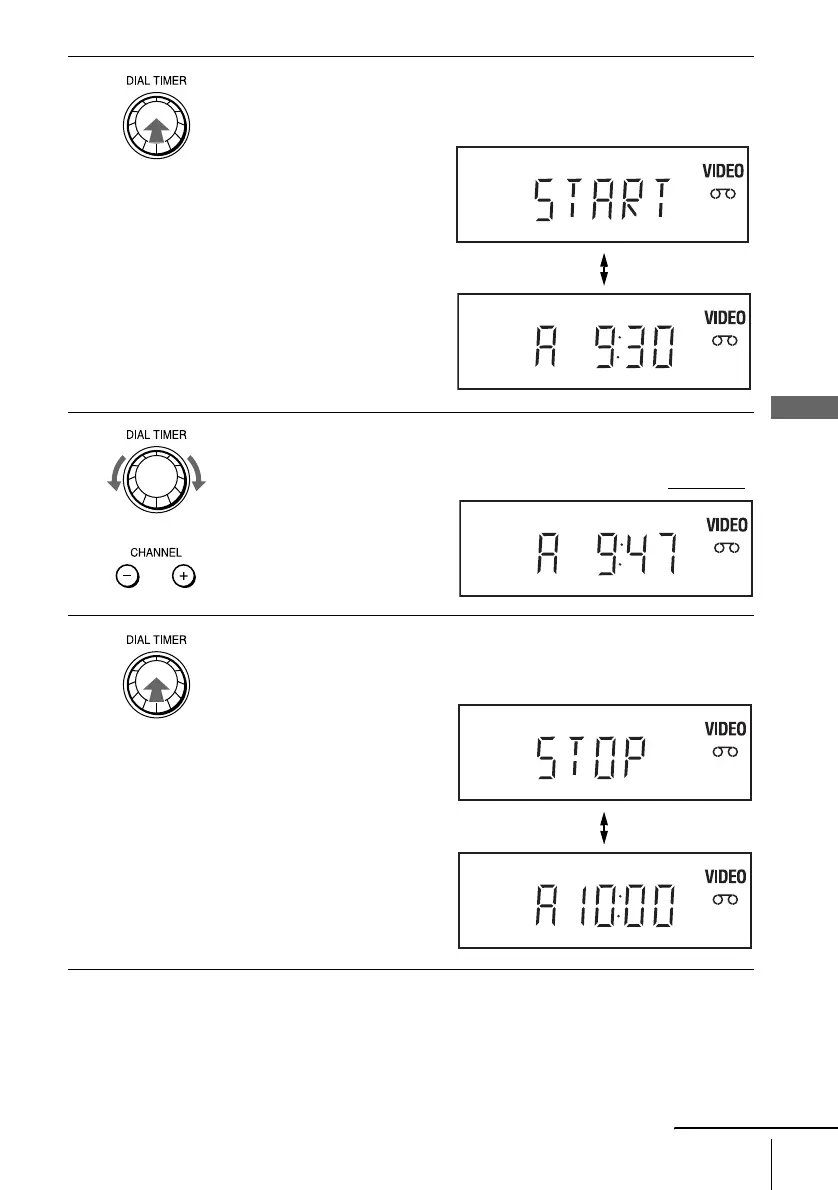
Press DIAL TIMER to set the start time.
“START” and the next quarter hour increment appear alternately in the
display window.
4
Turn DIAL TIMER to set the recording start time.
You can set the recording start time in 15 minute intervals or adjust the time
in one minute intervals by pressing the CHANNEL +/– buttons on the unit.
5
Press DIAL TIMER to set the stop time.
“STOP” and the next quarter hour increment appear alternately in the
display window.
continued















 To Next Page